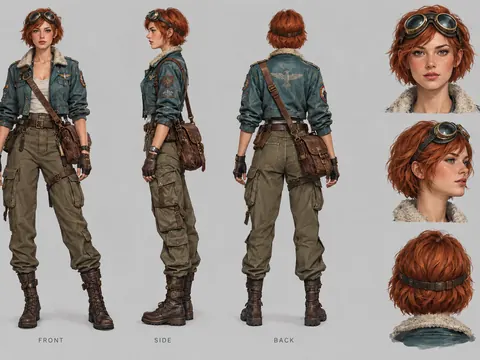
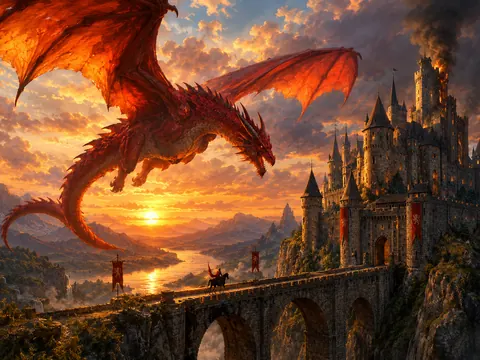
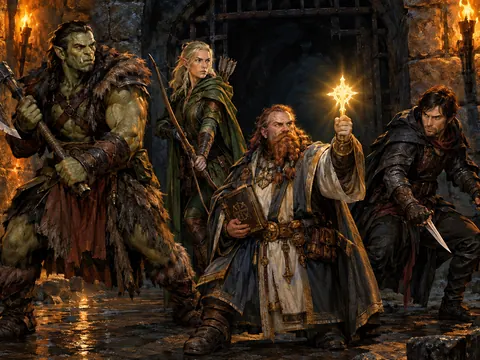
Describe a character · pick an anime look

AI Anime Generator

Describe a character or a scene, and the AI anime generator draws it with clean line art, cel shading and painted backgrounds. Every character is your own original design.

  • 8 free credits when you sign up
  • 4 more free credits every day
  • No watermark
Optional: add a reference picture

Best for text in images: posters, signs and labels.

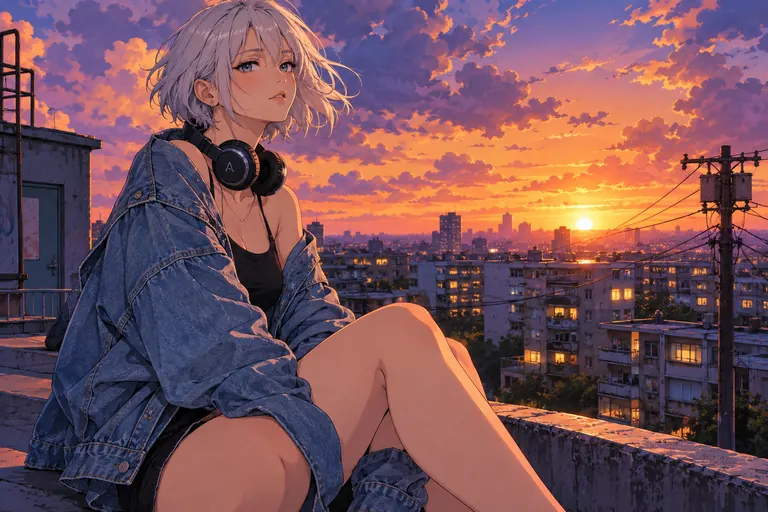
Anime illustration of an adult woman with short silver hair on a city rooftop at sunset
Example · Rooftop sunset

Scenes from the AI anime generator

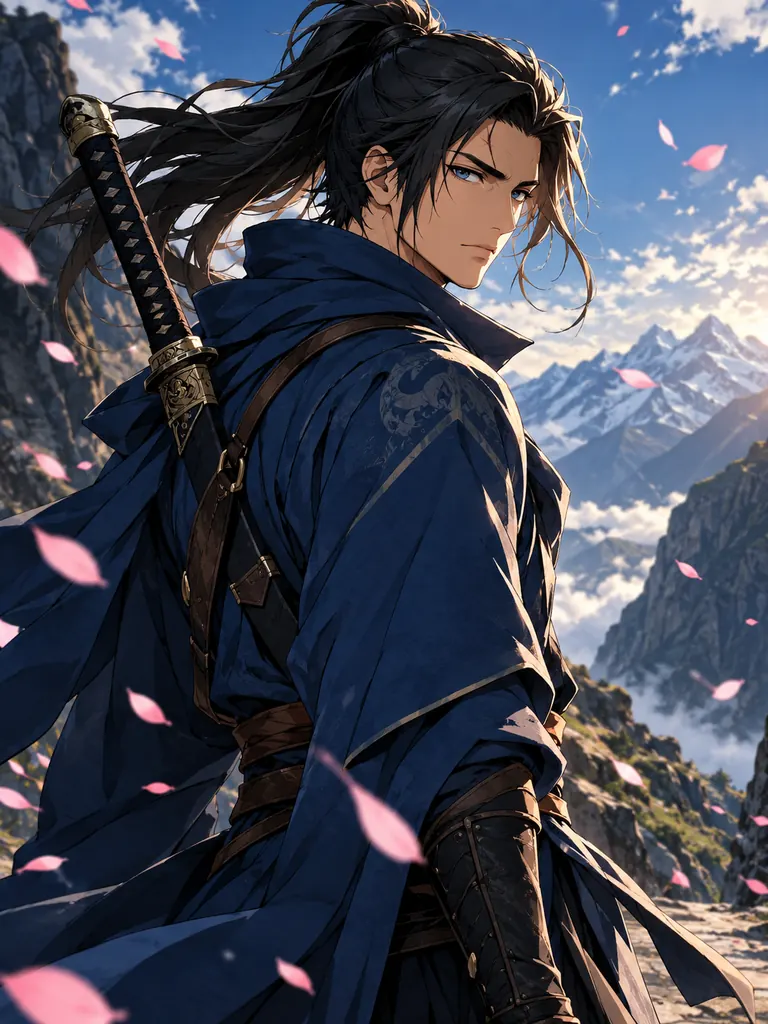
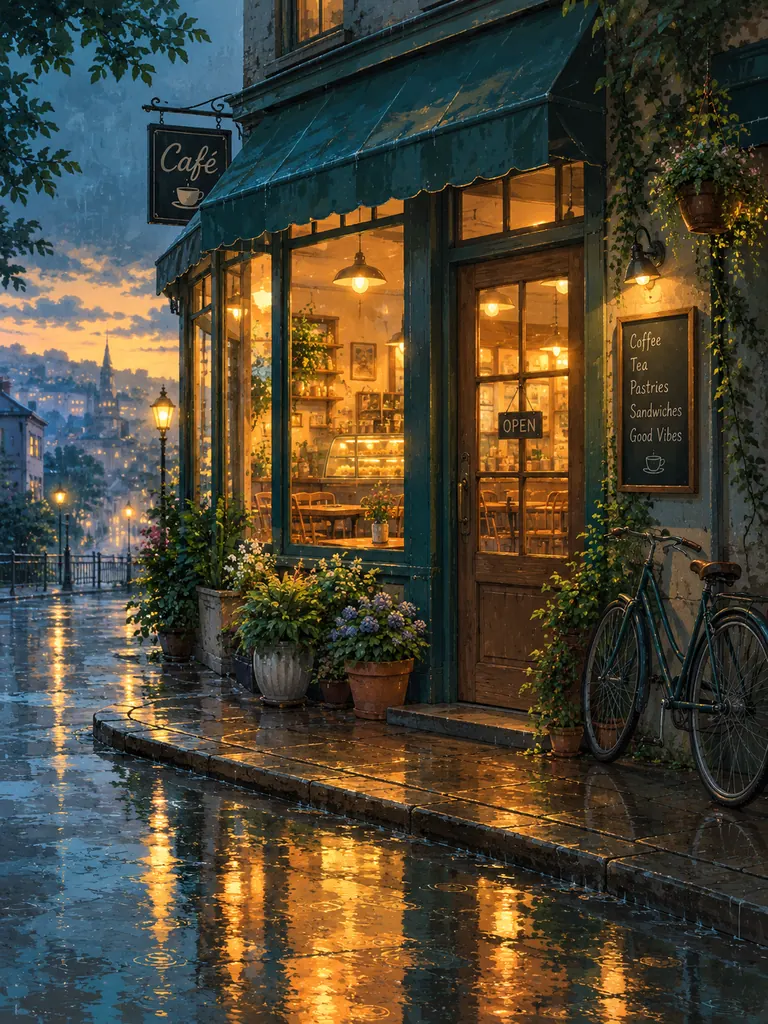
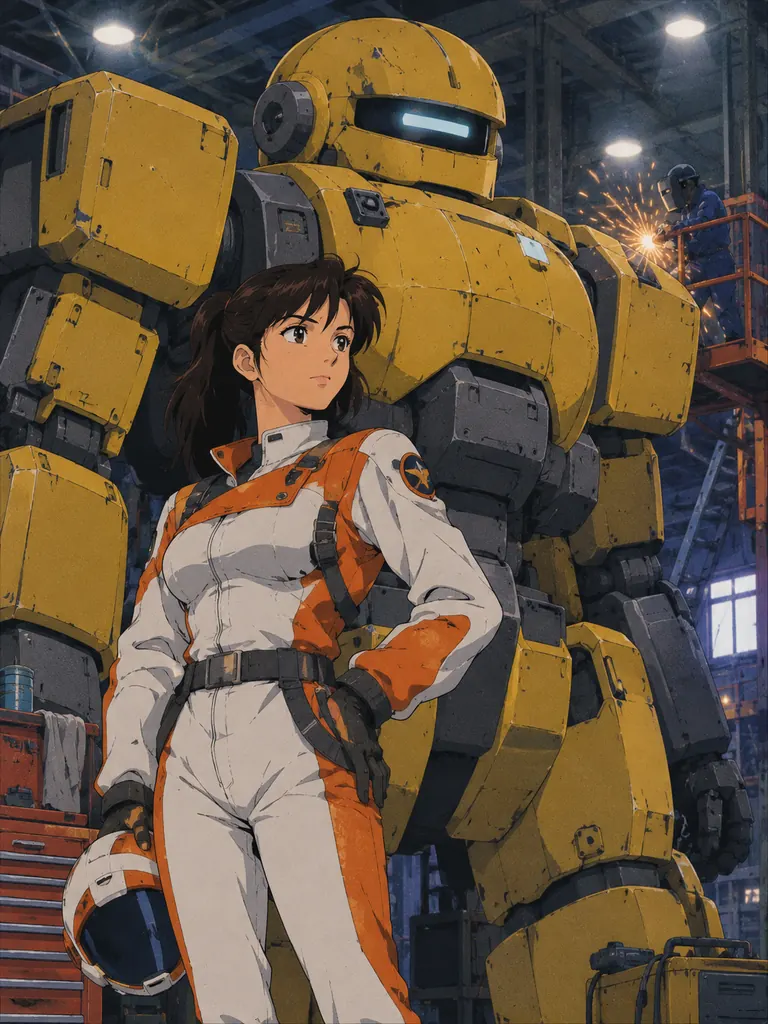
Each image came from one prompt that sets the character, the place and the anime look. Tap “Use this prompt”, then change the hair, outfit or setting to make the character your own.

  • Anime character art of an adult swordsman in a blue travel coat in a windy mountain pass
    Wandering swordsman

    “Anime-style character art of an adult swordsman in his late twenties, long dark ponytail, a thin scar across one eyebrow, deep blue travel coat and a curved sword on his back, standing in a windy mountain pass with falling petals. Crisp line art, cel shading, dramatic rim light.”

  • Hand-painted anime background of a small corner café on a rainy evening
    Rainy café background

    “An anime background painting with no people: a small corner café on a rainy evening, warm light in the windows, potted plants by the door, a bicycle leaning on the wall and puddles reflecting the glow. Hand-painted anime background style, soft teal and amber palette, rich detail.”

  • Retro 1990s-style anime illustration of an adult pilot in front of a giant robot in a hangar
    90s mecha hangar

    “Anime-style illustration of an adult woman pilot in a white-and-orange flight suit standing in front of a giant original work robot with a rounded yellow-and-gray armored body, boxy shoulders and one wide visor, in a hangar, welding sparks and overhead work lights, bold line art and cel shading, 1990s anime look with soft film grain and muted colors.”

What you can draw with the AI anime generator

Anime has its own visual rules: strong outlines, flat blocks of shadow, expressive eyes and backgrounds that look hand-painted. Describe your character and scene in plain words, name the look you want, and the model applies those rules for you.

Original characters

Design a hero, a rival or a whole cast. Set the hair, eyes, outfit, build and one distinctive detail, such as a scar, a hair clip or a long scarf, so the character is easy to recognize.

  • State the age: “adult”, “in her twenties”
  • Give one signature item or color
  • Save the description to reuse it

Backgrounds and scenes

Streets after rain, quiet train platforms, rooftop gardens, fantasy towns. Anime backgrounds shine with rich light and weather, and they work on their own as wallpapers or story settings.

  • Write “no people” for an empty scene
  • Add weather and time of day
  • Name two main colors for the mood

Different anime looks

Modern digital anime with glossy light, a soft 1990s cel look with film grain, black-and-white manga with screentone, or a gentle watercolor look. The same character changes a lot between them.

  • “1990s anime, film grain” for a retro feel
  • “Manga, black and white, screentone” for pages
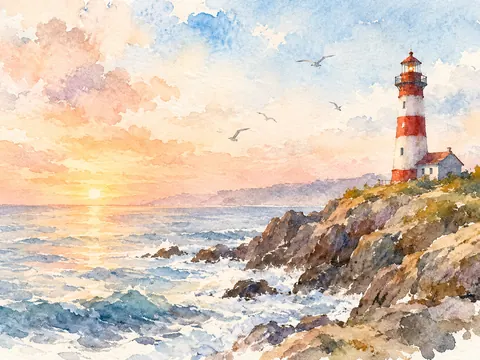
  • “Soft watercolor anime” for a quiet mood

How to use the AI anime generator

  1. 1

    Describe the character

    Start with who they are: age, hair, eyes, clothes and pose. “An adult courier with a green bob and a yellow raincoat, riding a scooter” is enough to begin.

  2. 2

    Set the scene

    Add where they are and the light: “on a bridge at night, lit by neon signs”. Leave the background out if you only need the character.

  3. 3

    Name the look

    Finish with style words: clean line art, cel shading, 1990s anime, manga. GPT Image 2.5 is selected by default; pick 2:3 for character art or 16:9 for wide scenes.

  4. 4

    Generate and refine

    Most images are ready within a few minutes (free accounts wait at least 2 minutes on premium models). Keep the prompt and change one detail to try variations.

Tips for cleaner AI anime art

  1. 01

    One character per prompt at first

    Two or three characters in one image can swap hair colors or outfits. Get each character right alone, then describe the group with the same details.

  2. 02

    Reuse your character sheet

    Paste the same character description into every prompt, word for word. For extra consistency, attach an earlier image of the character as a reference.

  3. 03

    Ask for a simple pose

    Standing, sitting or looking back over a shoulder draws cleaner than complex action. Hands in pockets or behind the back avoid finger mistakes.

  4. 04

    Keep it original

    Instead of naming a series or a studio, describe what you like: the eye style, the palette, the era. Your character stays your own, and you can use it anywhere.

A free AI anime generator for original characters

This AI anime generator is built for people who want their own characters: writers planning a web novel, game makers sketching a cast, or fans who want art of someone they invented. You describe the person and the world, and the model draws them in the anime look you choose.

GPT Image 2.5 is the default model because it follows long character descriptions closely and keeps small details, such as a hair clip or a patch on a jacket, where you put them. It also writes readable text, so a title or a sound effect in a manga panel comes out clean. Switch to Seedream for bright, saturated color or to the free FLUX.2 model for quick drafts.

As an AI anime art generator it also works from pictures. Attach a sketch, a pose reference or an earlier image of your character, and describe what to keep. To turn a real photo of yourself into anime, the Image to Anime AI tool is set up for exactly that.

New accounts get 8 free credits, and 4 more arrive every day from the second day. A 1K image with GPT Image 2.5 costs 3 credits, 2K costs 4 and 4K costs 7. Images download without a watermark for personal and commercial use. Characters must be adults, and sexual content is blocked.

AI anime generator FAQ

Is the AI anime generator free?

Yes, you can start for free. New accounts get 8 credits and 4 more every day from the second day, and the FLUX.2 model makes 30 images a day with no credits. GPT Image 2.5 uses credits.

Can I make characters from my favorite series?

No. Characters, names and designs from existing series belong to their owners. Describe an original character with the traits you like instead, and you can use the art freely.

How do I keep the same character across images?

Use the exact same description every time and attach an earlier image as a reference. GPT Image 2.5 accepts 16 references, so you can add a front view, a side view and an outfit sheet.

Can the AI anime generator draw manga pages?

Yes. Ask for black-and-white manga with screentone and describe each panel in order. Keep dialogue short and put it in quotes so the lettering stays readable.

Are there rules for characters?

Yes. Characters must be adults, so give an age such as “in her twenties” in every prompt with a person. Sexual content and images meant to harass a real person are blocked.

Can I use the art in my game or book?

Yes. Images download at full size without a watermark, and personal and commercial use are allowed for your original characters.

Try the AI anime generator now

Describe one character, add a place and a look, and see the art in a few minutes.

Start creating