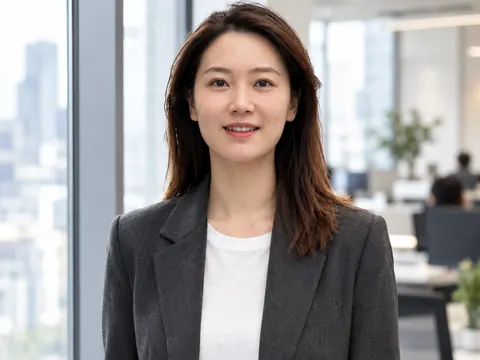
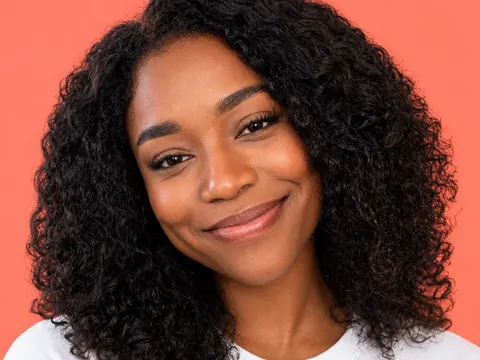
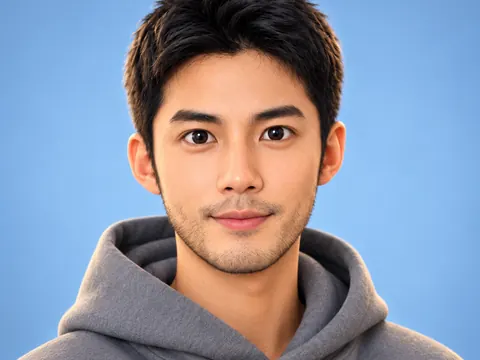
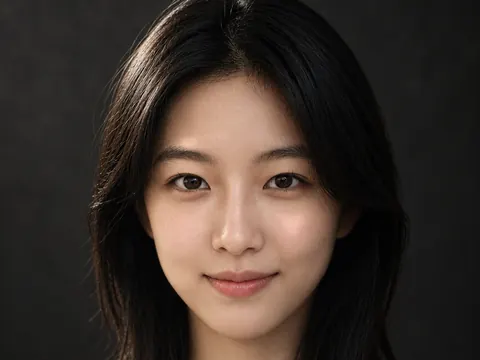
Upload a selfie · get a studio headshot

AI Headshot Generator

Upload a clear selfie and describe the look. The AI headshot generator adds studio light, a clean backdrop and work clothes, and is built to keep you recognizable.

  • 8 free credits when you sign up
  • 4 more free credits every day
  • No watermark
Add a clear, front-facing selfie

Best for text in images: posters, signs and labels.

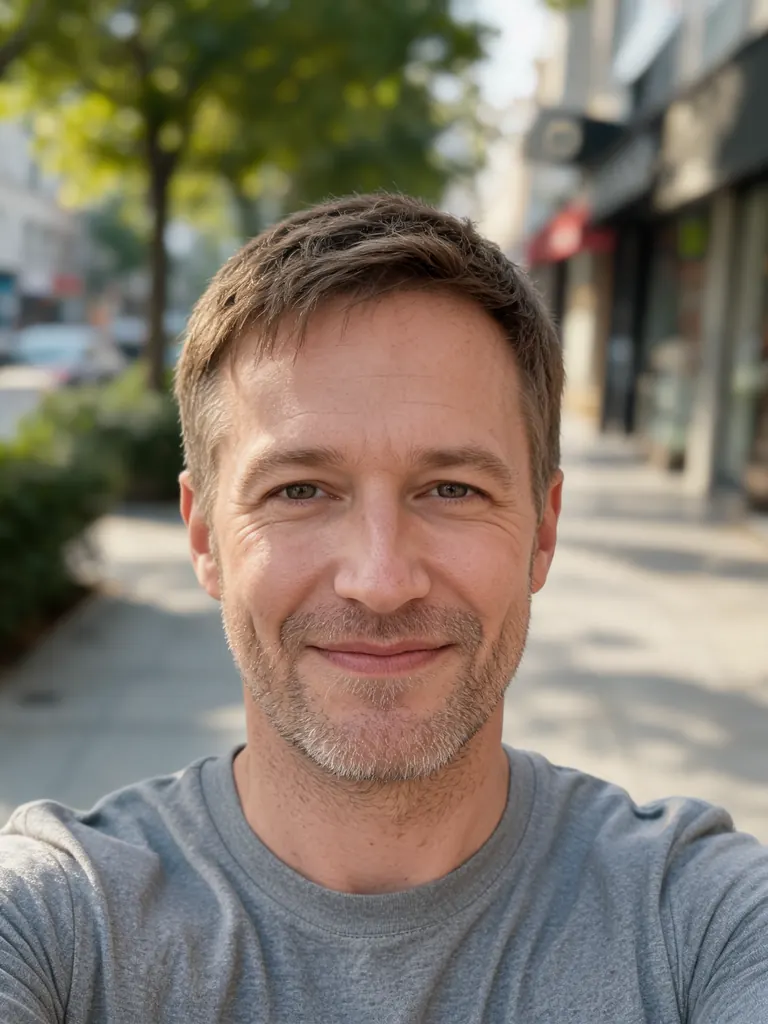
Original casual outdoor selfie of a man in a gray T-shirtBefore
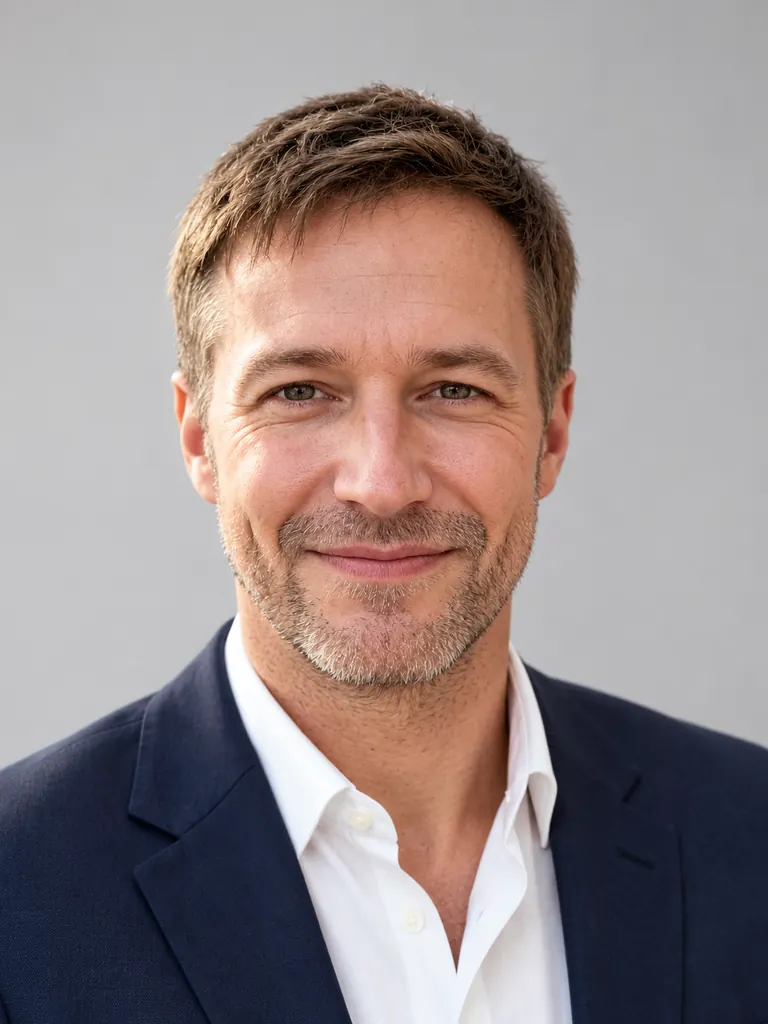
The same man in a navy suit jacket on a light gray studio backdrop, made with an AI headshot generatorAfter
Example · Classic studio

Headshots made with the AI headshot generator

Each headshot below began as an everyday phone photo. Tap “Use this prompt”, add your own selfie and run it.

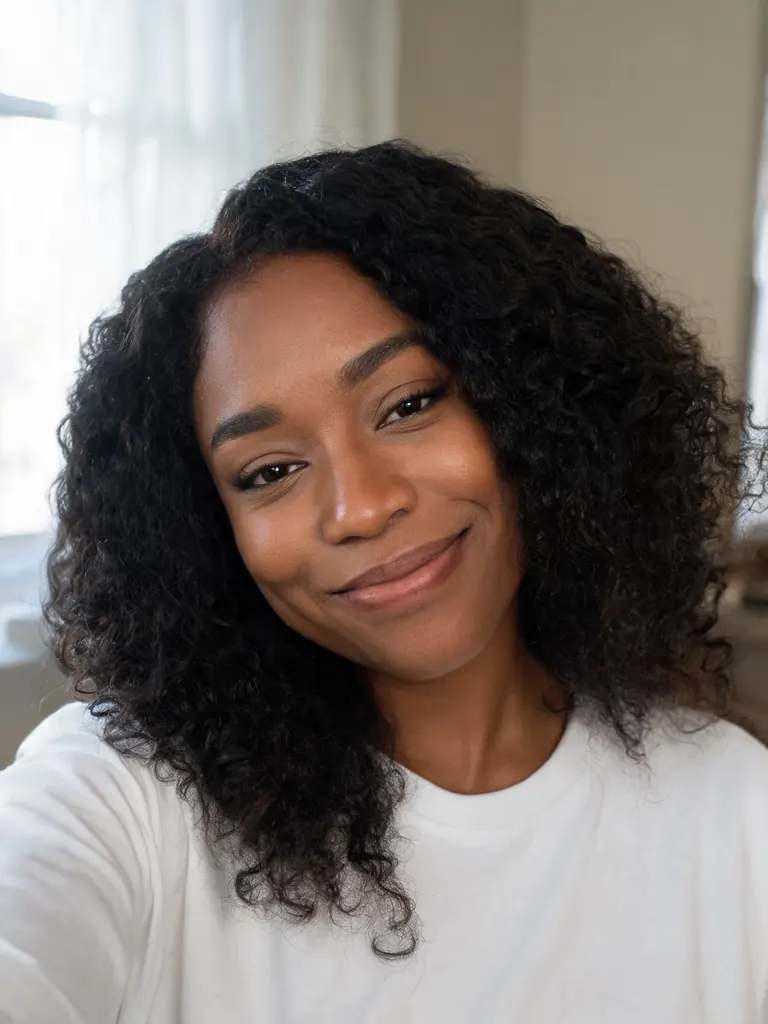
  • Original home selfie of a woman with curly hair in a white T-shirt
    Before
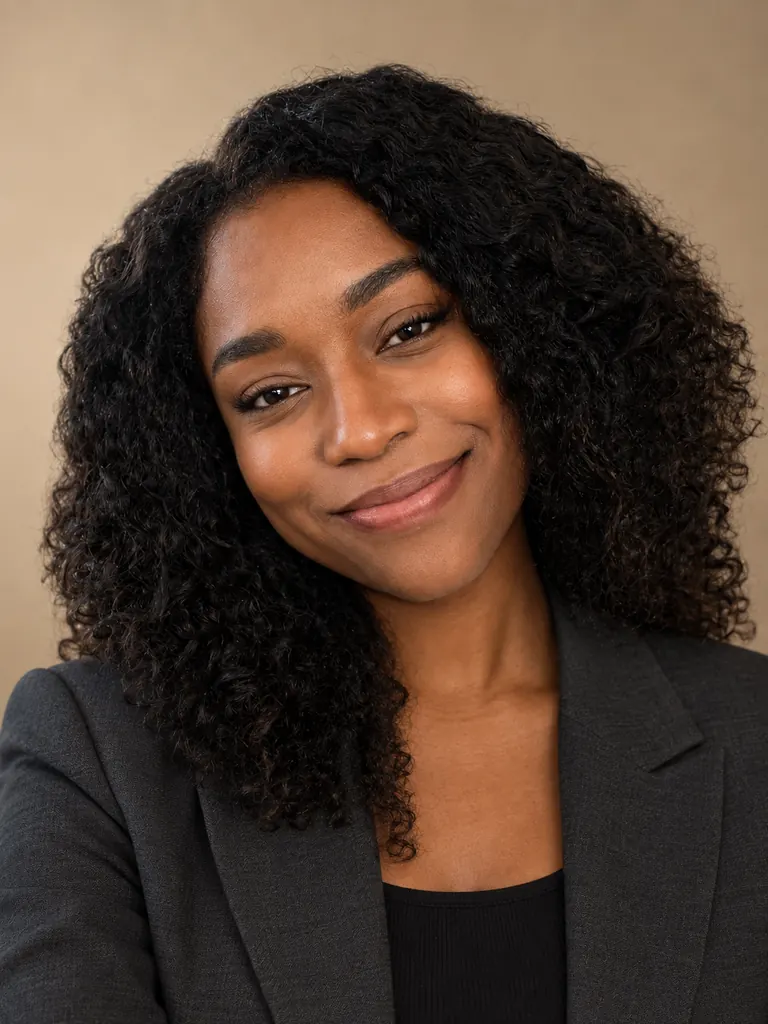
    The same woman in a charcoal blazer on a warm beige backdrop, as a corporate headshot
    After
    Corporate blazer

    “Make a corporate headshot from this photo: charcoal blazer over a black top, warm beige backdrop, soft even studio light with a gentle shadow on one side. Her face, curly hair and skin tone stay exactly as they are, with real skin texture.”

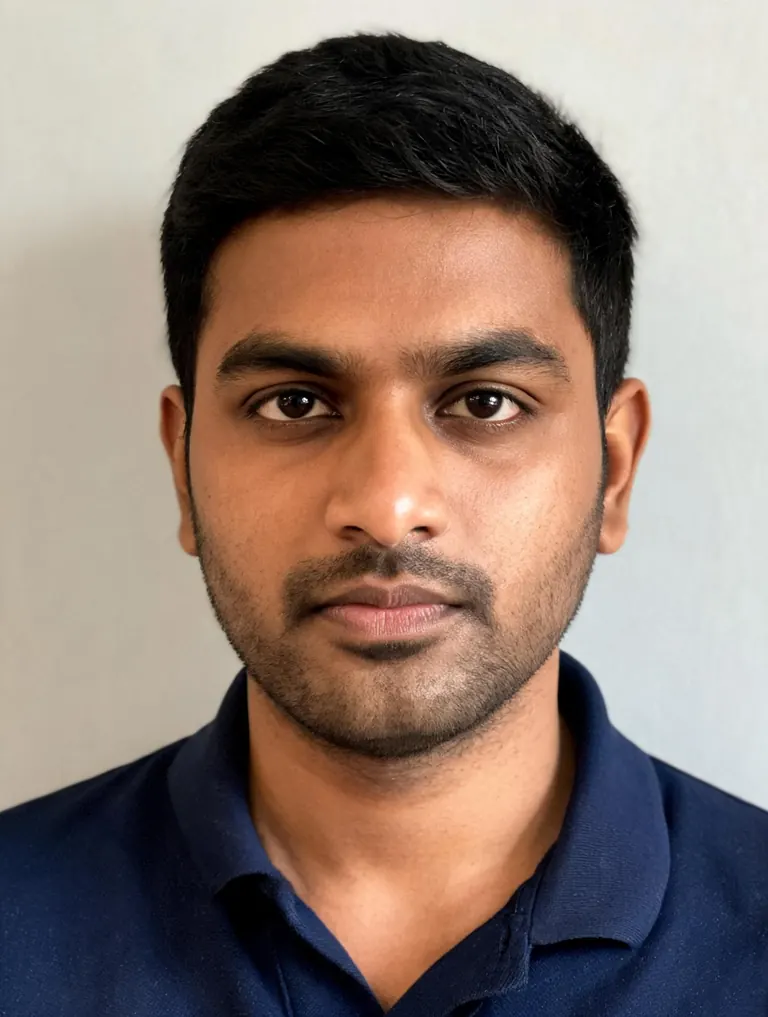
  • Original indoor photo of a man in a navy polo shirt against a plain wall
    Before
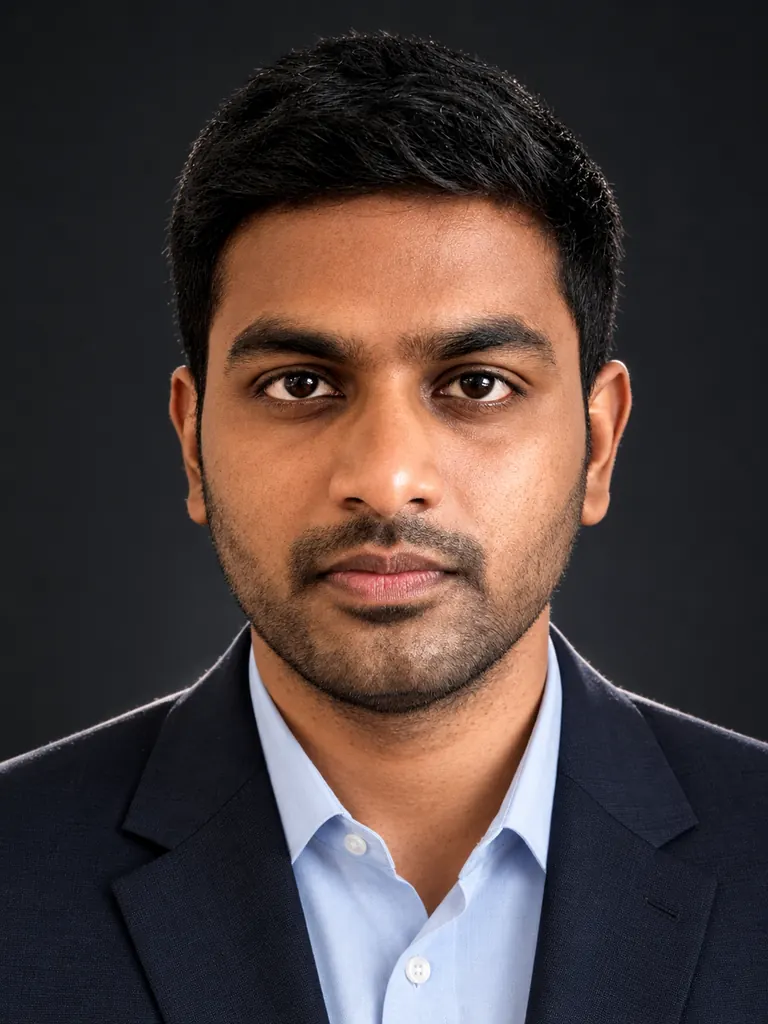
    The same man in a dark suit and light blue shirt on a charcoal backdrop, as an executive headshot
    After
    Dark executive

    “Create an executive headshot on a deep charcoal backdrop: dark suit, light blue shirt, no tie, crisp lighting and a slight rim light on the shoulders. Do not change his face, hairline or skin tone, and keep fine skin detail.”

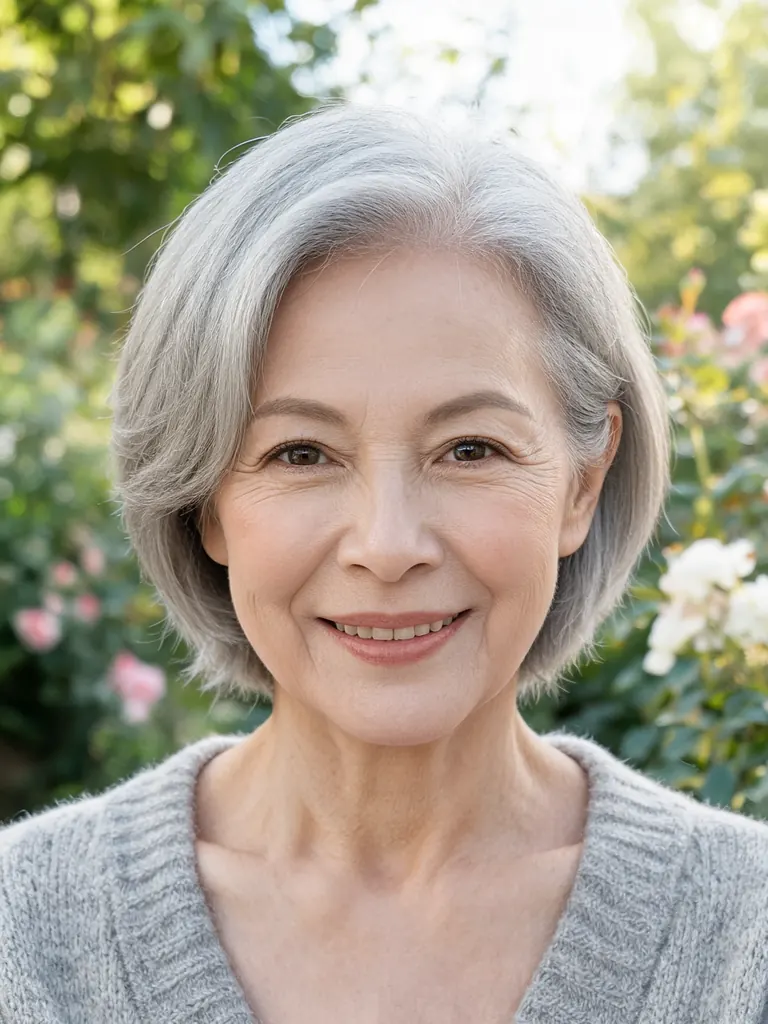
  • Original garden photo of an older woman with short gray hair in a cardigan
    Before
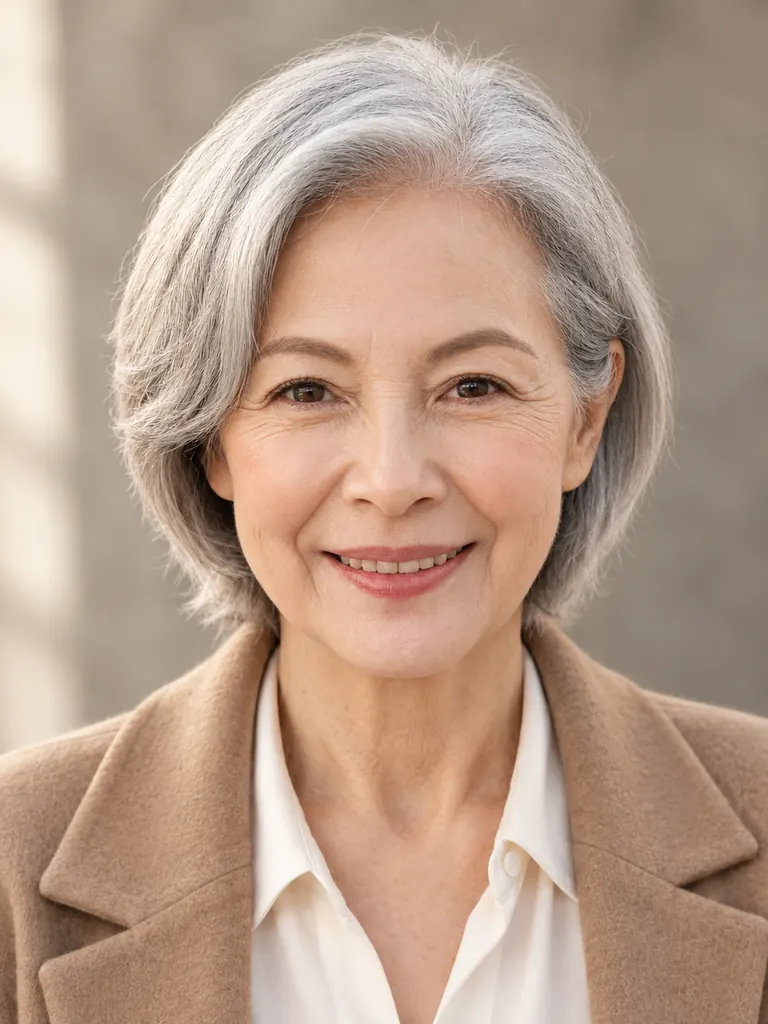
    The same woman with short gray hair in a camel jacket on a warm gray backdrop, as a friendly headshot
    After
    Soft and friendly

    “Give her a warm, approachable headshot: cream blouse under a soft camel jacket, blurred warm-gray backdrop, gentle window-style light. Keep her short gray hair, face, smile lines and skin tone unchanged.”

What the AI headshot generator adjusts

A good headshot comes down to four things: light, backdrop, clothing and a sharp, well-framed face. You describe them in plain words, and the model rebuilds the photo around your face.

Studio lighting

Phone selfies have flat or harsh light. Ask for a soft key light, a gentle fill and a touch of rim light, and the picture gets the shape and depth of a real studio shoot.

  • “Soft key light from the left” adds shape
  • Add “rim light on the hair” for dark backdrops
  • “Even, low-contrast light” flatters most faces

Backdrops

Swap a kitchen, a car seat or a street for a seamless backdrop. Light gray reads neutral, charcoal feels formal, and warm beige or muted blue looks friendlier.

  • Name one color, not a pattern
  • Add “slightly blurred” for a softer feel
  • Match the backdrop to your company colors

Work clothes

Keep your own top or put on a blazer, a suit, a knit sweater or a crisp shirt. The generator fits the clothes to your shoulders and posture.

  • Describe color and fabric: “navy wool”, “white cotton”
  • Skip busy prints and logos
  • Say “no tie” or “open collar” for a relaxed look

How to use the AI headshot generator

  1. 1

    Upload a clear selfie

    Pick a sharp photo where you face the camera with your eyes open and nothing covering your face. Daylight from a window works well. Tap the + tile or drag the photo in.

  2. 2

    Describe the headshot

    Name the backdrop color, the clothes and the light, then say what must stay: “keep my face, hair and skin tone the same”.

  3. 3

    Choose a model

    GPT Image 2.5 is selected by default and follows detailed prompts closely. For the most faithful likeness, switch to Nano Banana 2 or Nano Banana Pro. The credit cost shows before you start.

  4. 4

    Compare and download

    Most headshots are ready within a few minutes (free accounts wait at least 2 minutes on premium models). Run the prompt two or three times, keep the one that looks most like you and download it.

Tips for a headshot that still looks like you

  1. 01

    Start with the right selfie

    Hold the phone at eye level, about an arm’s length away. Photos taken from below or very close stretch the nose and jaw, and the result copies that shape.

  2. 02

    Keep retouching light

    Ask for “natural skin texture” and avoid words like “flawless” or “perfect skin”. A face that is too smooth looks fake and stops matching you in person.

  3. 03

    Leave glasses and hair alone

    If you wear glasses every day, keep them in the picture. Changing your hairstyle or removing glasses is the fastest way to lose the resemblance.

  4. 04

    Crop for where it goes

    A 3:4 frame from the chest up fits company websites, staff directories and email signatures. Pick 2K when you also need a print or a business card.

An AI headshot generator instead of a studio booking

A studio headshot usually means booking a photographer, choosing an outfit and taking an afternoon off. An AI headshot generator gets you most of the way with a photo you already have. You upload a selfie, describe the backdrop, lighting and clothes, and the model builds a clean, professional headshot around your face.

Likeness is the part that matters most, so be clear about it in every prompt. GPT Image 2.5, the default here, follows long instructions well and handles fabric and light nicely. Nano Banana 2 and Nano Banana Pro usually keep faces most faithfully, so pick one of them when the result must match you closely. No model gets a face right every time; generate a few and choose.

Cost is simple. New accounts get 8 free credits and 4 more arrive every day from the second day, which makes this a free AI headshot generator for occasional use. A 1K image with GPT Image 2.5 costs 3 credits, 2K costs 4 and 4K costs 7. The exact cost shows next to the Generate button.

Your selfies stay private. Uploads are used only to make your images, results appear only in your own My Images page, and you can delete any of them. Downloads are full size with no watermark. Headshots meant to impersonate or deceive someone are not allowed.

AI headshot generator FAQ

Is there a free AI headshot generator here?

Yes. New accounts get 8 free credits and 4 more every day from the second day. A 1K headshot with GPT Image 2.5 costs 3 credits, so you can try a few looks without paying.

Will the headshot look like me?

Usually, when you start from a sharp, front-facing selfie and ask to keep your face, hair and skin tone. For the most faithful likeness choose Nano Banana 2 or Nano Banana Pro and run the prompt more than once. No AI model matches a face perfectly every time.

What kind of selfie works best?

One person, facing the camera, eyes visible, even light and no heavy filters. Avoid sunglasses, hats, strong shadows and photos taken from below.

Can the AI headshot generator change my clothes?

Yes. Describe the outfit, for example “navy blazer over a white shirt”, and it replaces what you wore in the selfie. Plain colors without logos look most like a real studio shoot.

Can I use the headshot for work?

Yes. Downloads are full size with no watermark, and you may use them for personal and commercial purposes, such as a company website, a staff directory or a business card.

What is not allowed?

Sexual content, anything involving minors, and headshots of someone else meant to deceive or harass them are blocked. The full rules are on the content policy page.

Try the AI headshot generator

Upload one selfie, describe the backdrop and outfit, and get a studio-style headshot in a few minutes.

Start creating