Upload a photo · pick pencil, charcoal or ink

Image to Sketch AI

Upload a photo and choose the tool: graphite pencil, charcoal, ink pen or colored pencil. Image to sketch AI draws your picture again with hatching, smudges and paper grain, so it looks drawn by hand instead of traced.

  • 8 free credits when you sign up
  • 4 more free credits every day
  • No watermark
Add the photo you want sketched

Best for text in images: posters, signs and labels.

Original phone selfie of a woman in a white T-shirt at home in window lightBefore
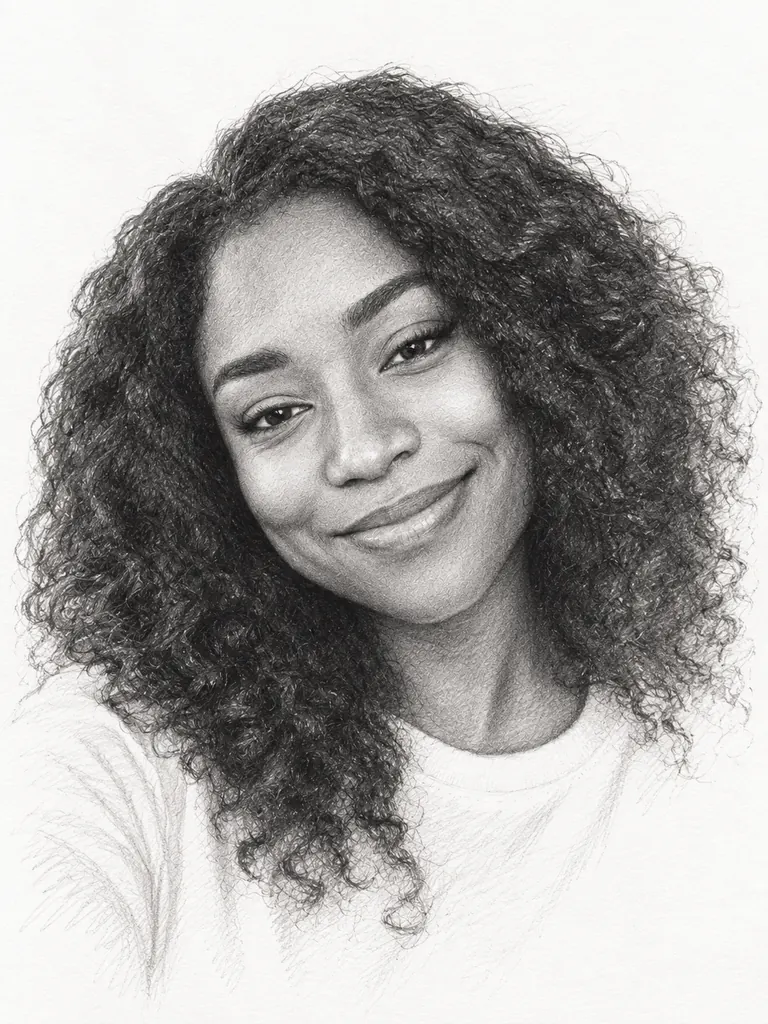
The same woman drawn as a graphite pencil portrait with hatching and unfinished edgesAfter
Example · Graphite portrait

From photo to paper with image to sketch AI

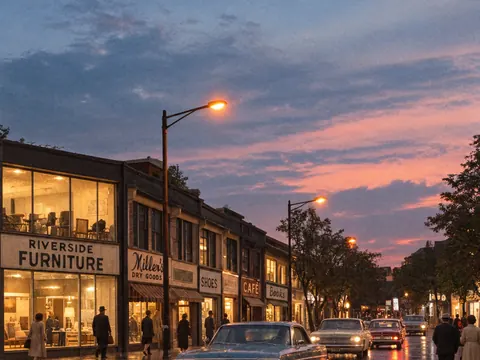
A portrait, a street at dusk, a dog in the park and a mug on a table, each drawn with a different tool. Tap “Use this prompt”, add your own photo and run it.

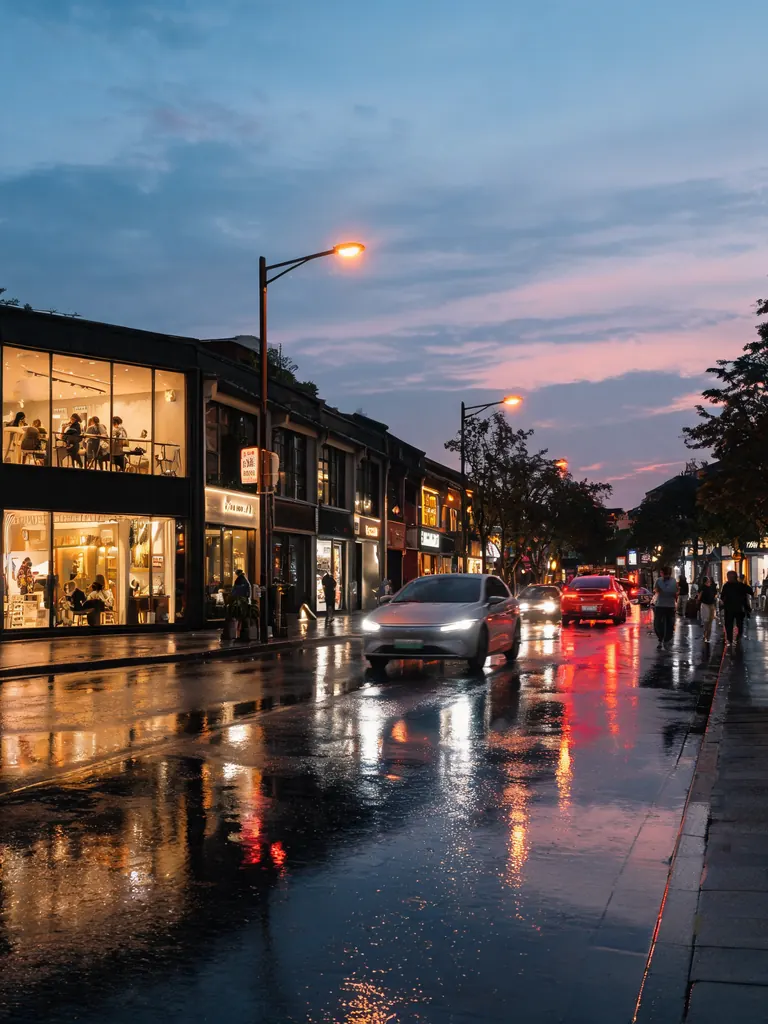
  • Original photo of a city street with shops and traffic at dusk
    Before
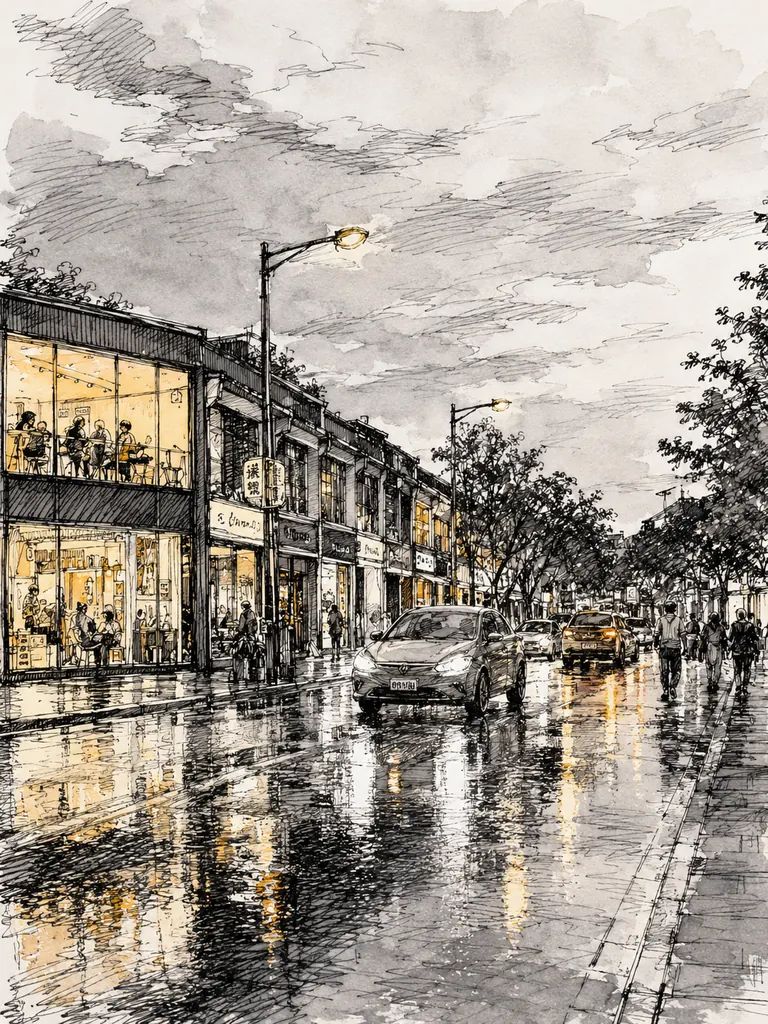
    The same street as a loose ink sketch with a gray wash and yellow windows
    After
    Ink and wash

    “Sketch this street as an urban ink drawing: loose black pen lines, cross-hatching in the shadows, a light gray watercolor wash and small touches of warm yellow in the shop windows. Keep the street layout and camera angle.”

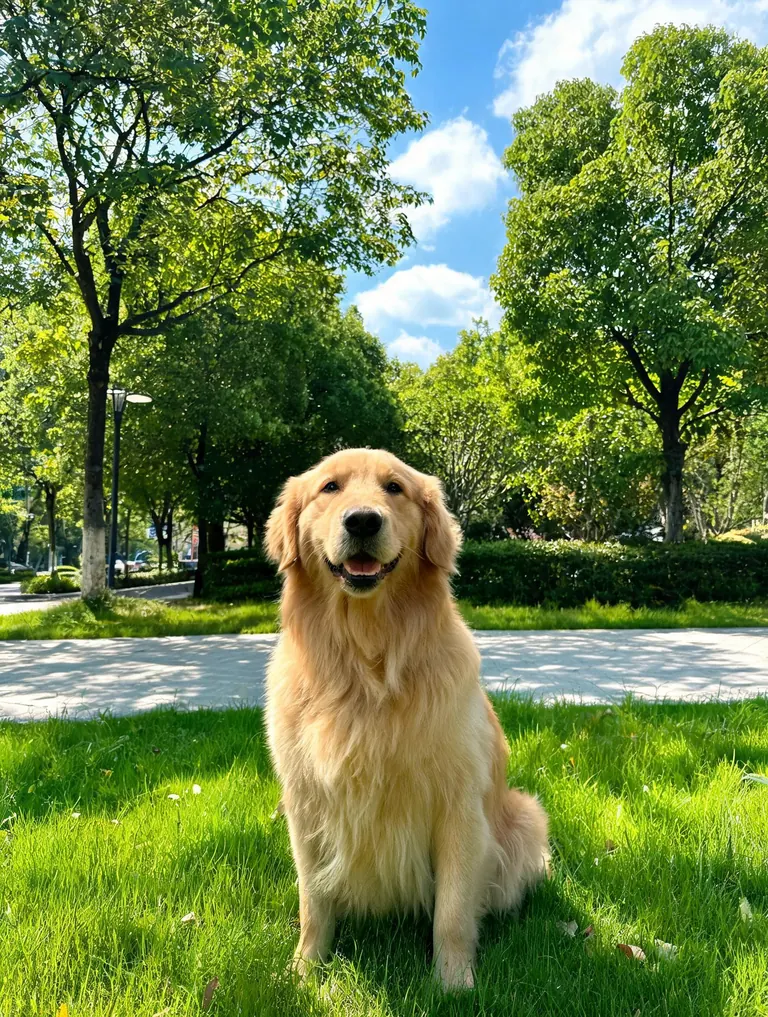
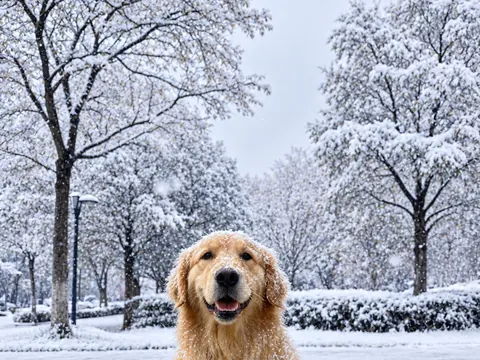
  • Original photo of a golden retriever sitting on grass in a sunny park
    Before
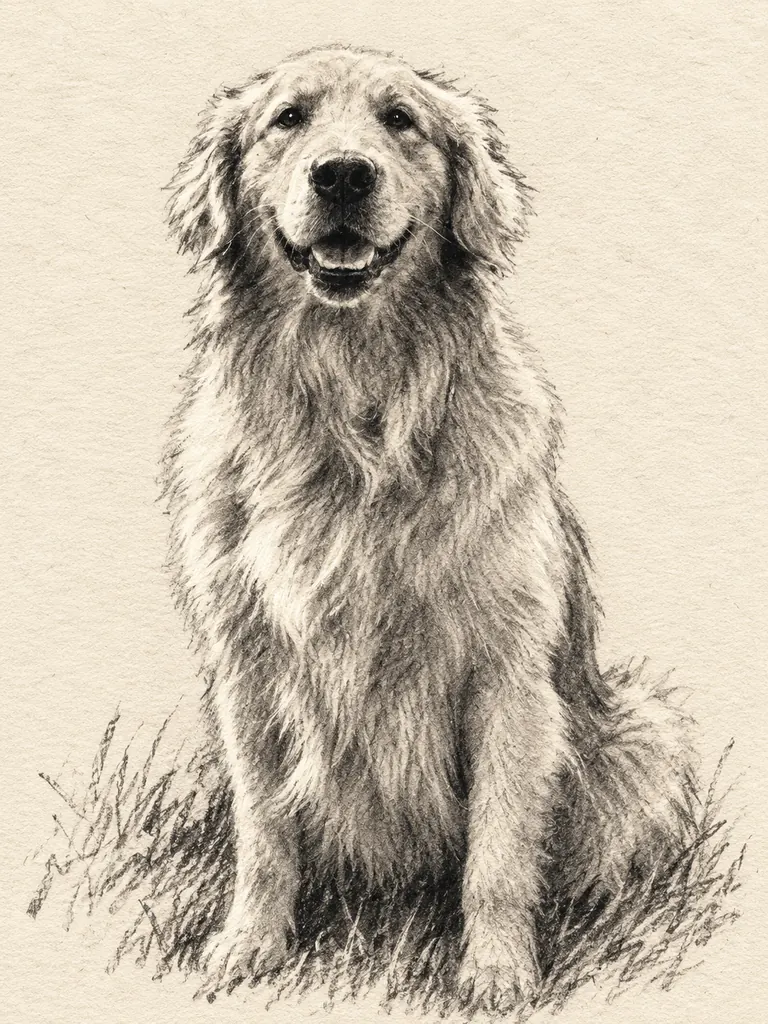
    The same golden retriever as a smudged charcoal drawing on cream paper
    After
    Charcoal pet

    “Draw this golden retriever in charcoal on textured cream paper: bold dark strokes, smudged soft fur, bright highlights left as bare paper and a few quick lines for the grass. Keep the sitting pose and the face.”

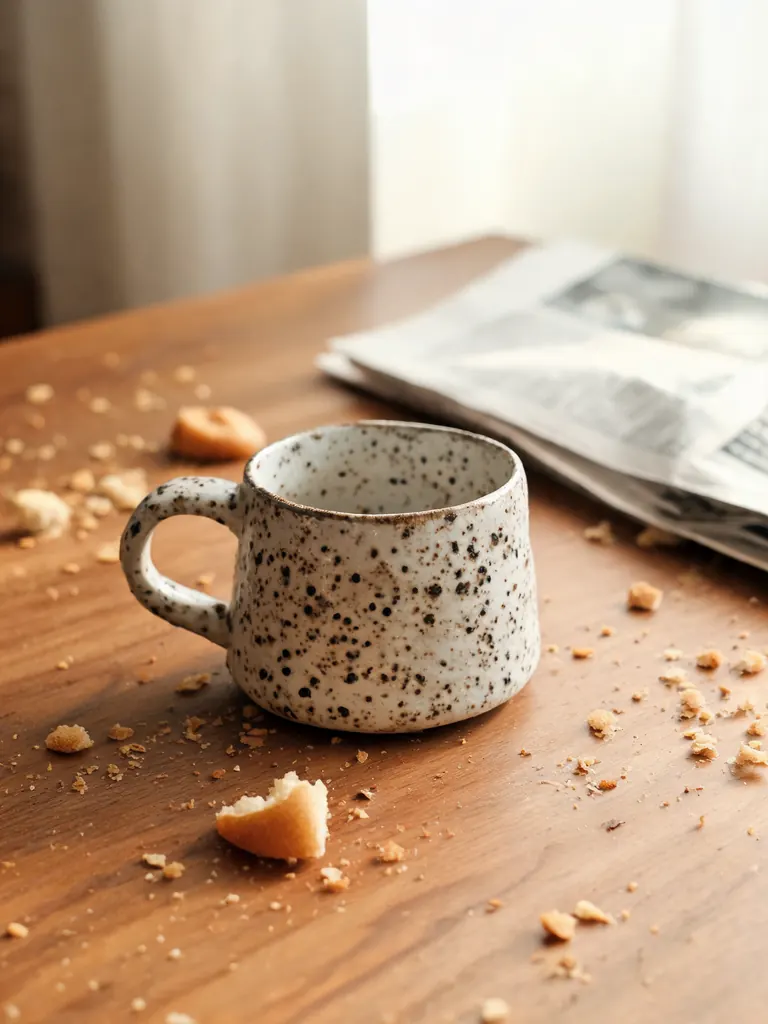
  • Original phone photo of a handmade ceramic mug on a cluttered table
    Before
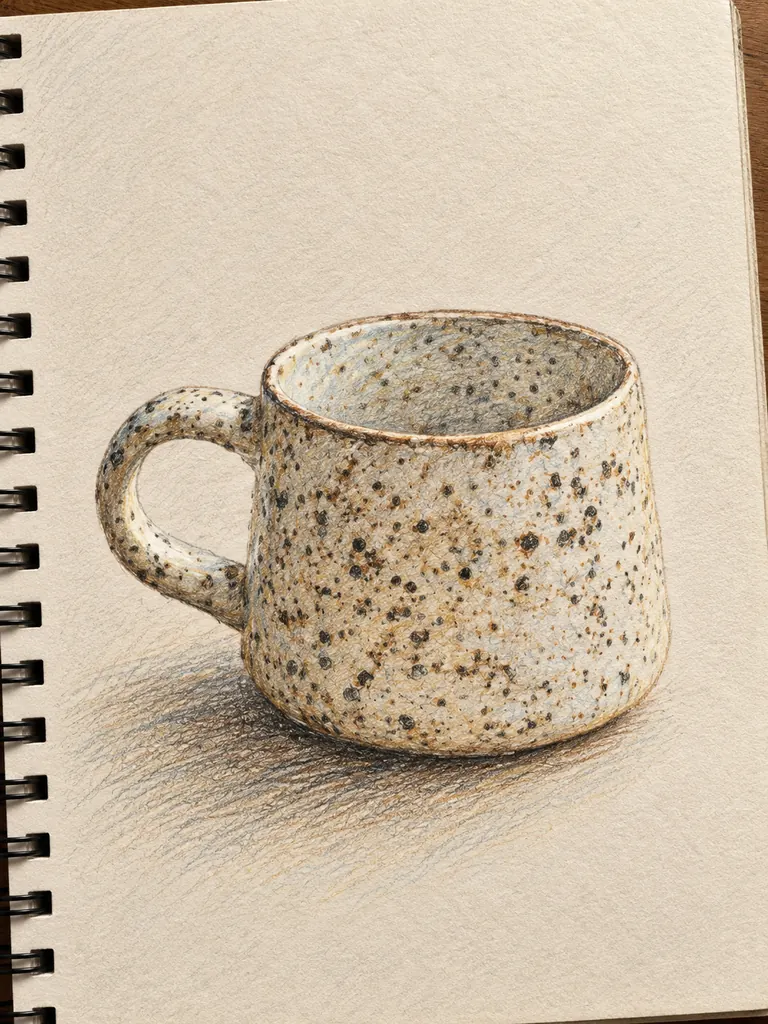
    The same handmade mug as a colored pencil sketch on a sketchbook page
    After
    Colored pencil

    “Redraw the ceramic mug as a colored pencil sketch on a sketchbook page: visible pencil strokes, a soft shadow under the mug, glaze colors close to the photo and the cluttered table left out.”

Drawing tools inside image to sketch AI

Each tool leaves different marks. Naming one tells the model how the lines should look, how shadows are built and what the paper does.

Graphite and colored pencil

Fine lines and gentle shading for portraits, hands and small objects. Colored pencil keeps the colors of your photo in soft, layered strokes.

  • Say how dark: “light 2H lines”, “deep 6B shading”
  • Ask for “unfinished edges” for a sketchbook feel
  • Name the paper: white, cream or toned

Charcoal and conté

Big dark shapes, smudges and bright bare-paper highlights. Charcoal flatters pets, landscapes and dramatic portraits with strong side light.

  • Start from a photo with clear light and shadow
  • Ask for “smudged” or “blended” shading
  • Keep the background to a few strokes

Ink, pen and wash

Crisp pen lines with cross-hatching, plus an optional watercolor wash. It suits buildings, streets, travel photos and product sketches.

  • Say “cross-hatching” for the shadows
  • Add “light gray wash” or a single accent color
  • Ask for loose lines to avoid a traced look

How to turn a photo into a drawing with image to sketch AI

  1. 1

    Upload the photo

    Photos with clear light and shadow sketch best. Tap the + tile, drag a picture in or paste it.

  2. 2

    Pick the tool and paper

    Name one drawing tool and the paper: “charcoal on cream paper” or “ink pen on a sketchbook page”.

  3. 3

    Set the level of detail

    Say how finished it should be: a quick gesture drawing or a detailed study. GPT Image 2.5 is selected by default and handles detailed notes well. The credit cost shows before you start.

  4. 4

    Download or print

    Most drawings are ready within a few minutes (free accounts wait at least 2 minutes on premium models). Pick 2K or 4K for printing; downloads have no watermark.

Tips for drawings that look hand-made

  1. 01

    Ask for fewer lines

    Real sketches leave things out. “Only the main shapes, loose background” looks more hand-made than a drawing of every brick and leaf.

  2. 02

    Keep bare paper as highlights

    In pencil and charcoal, the brightest parts are untouched paper. Say “highlights left as bare paper” to avoid gray, muddy whites.

  3. 03

    Choose side light

    A face or object lit from one side gives the shading something to follow. Flat, front-lit photos turn into flat drawings.

  4. 04

    Crop before you upload

    A good drawing has one subject. Crop the photo so the person, pet or building fills most of the frame.

Why image to sketch AI beats a sketch filter

Sketch filters run edge detection on a photo and darken the lines, which gives every picture the same scratchy look. Image to sketch AI draws the picture again the way an artist would: it picks the main shapes, builds shadows with hatching or smudges, and leaves out clutter. A graphite portrait and a charcoal dog come out as different kinds of drawing, not the same effect at two strengths.

People use it for a pencil portrait of a parent, a drawing of their first home, a reference for a tattoo artist or a set of pages for a travel journal. GPT Image 2.5 is the default because it follows long notes about tools and paper. Nano Banana 2 and Nano Banana Pro usually keep faces closest to the photo, and FLUX.2 is free for signed-in accounts and works from a single photo.

New accounts get 8 free credits and 4 more each day from the second day. With GPT Image 2.5, a 1K image costs 3 credits, 2K costs 4 and 4K costs 7, and the cost shows next to the Generate button.

Uploads are used only to make your drawing, and results stay private in My Images until you delete them.

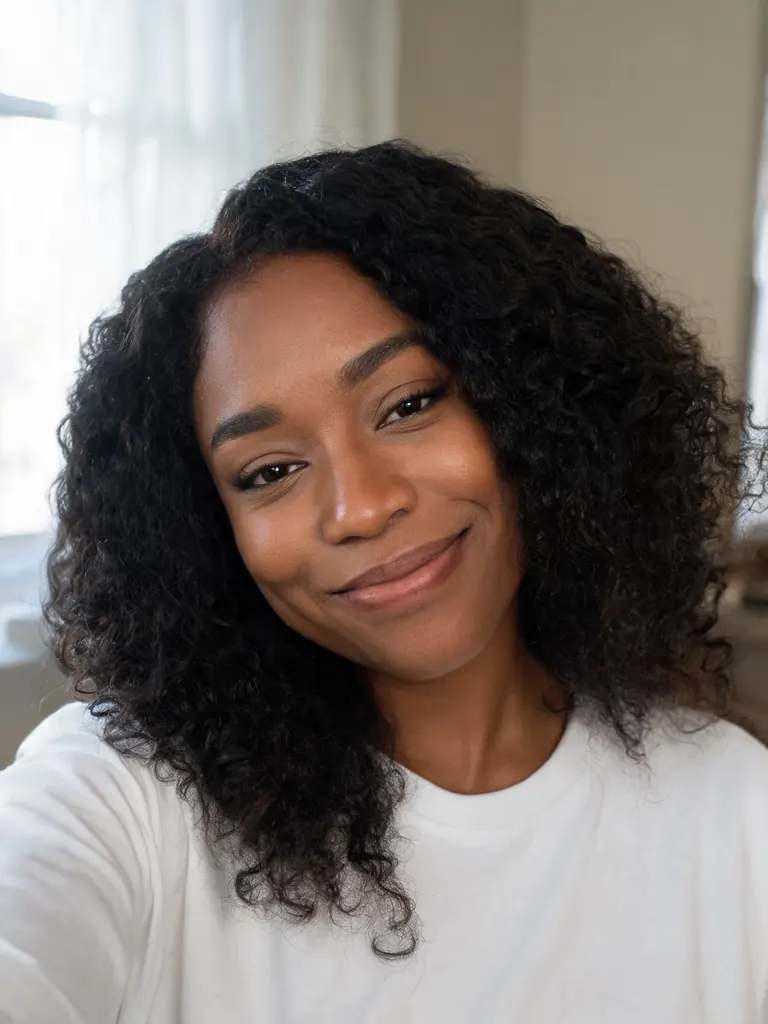
Image to sketch AI FAQ

Is the image to sketch AI free?

You can try it free: 8 credits at sign-up and 4 free credits a day from the second day. FLUX.2 sketches one photo at no credit cost for signed-in accounts.

Pencil, charcoal or ink: which should I choose?

Pencil for faces and fine detail, charcoal for pets, moods and strong light, ink for buildings, streets and objects. Try two and keep the one that fits the photo.

Can I print the drawing and frame it?

Yes. Choose 2K or 4K, and ask for white or cream paper so it sits well in a mat. Downloads are full size with no watermark.

How is a sketch different from line art?

Line art is clean outlines with no shading, made for coloring or cutting. Image to sketch AI keeps shading, smudges and loose strokes, so the result looks like a page from a sketchbook.

Will a sketched portrait still look like the person?

Usually, when the photo is clear and you ask to keep the face and expression. For the most faithful likeness choose Nano Banana 2 or Nano Banana Pro.

What can’t I sketch?

Sexual content, anything involving minors and images meant to deceive or harass a real person are blocked. The content policy page has the full rules.

Sketch your first photo

Upload a photo, pick pencil, charcoal or ink, and let image to sketch AI draw it in a few minutes.

Start creating