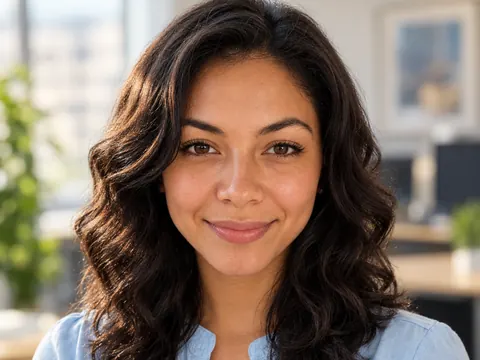
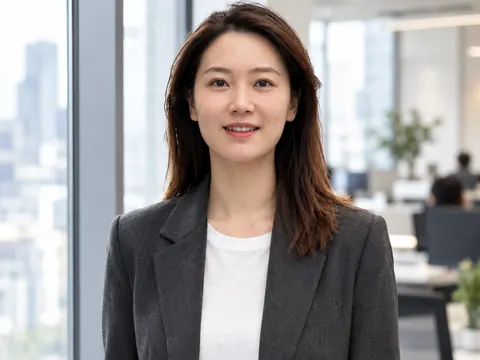
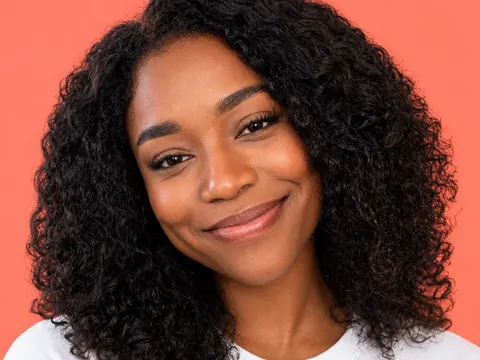
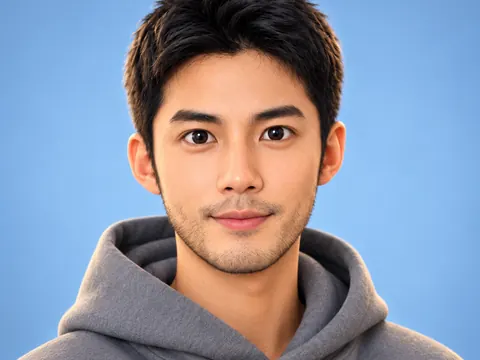
One selfie in · new selfies out

AI Selfie Generator

Upload one selfie and say where you want to be. The AI selfie generator puts you on a trip, at the gym or in a cafe, in a new outfit, and keeps the casual front-camera look.

  • 8 free credits when you sign up
  • 4 more free credits every day
  • No watermark
Add a clear selfie of your face

Best for text in images: posters, signs and labels.

Original selfie of a woman on a balcony in afternoon lightBefore
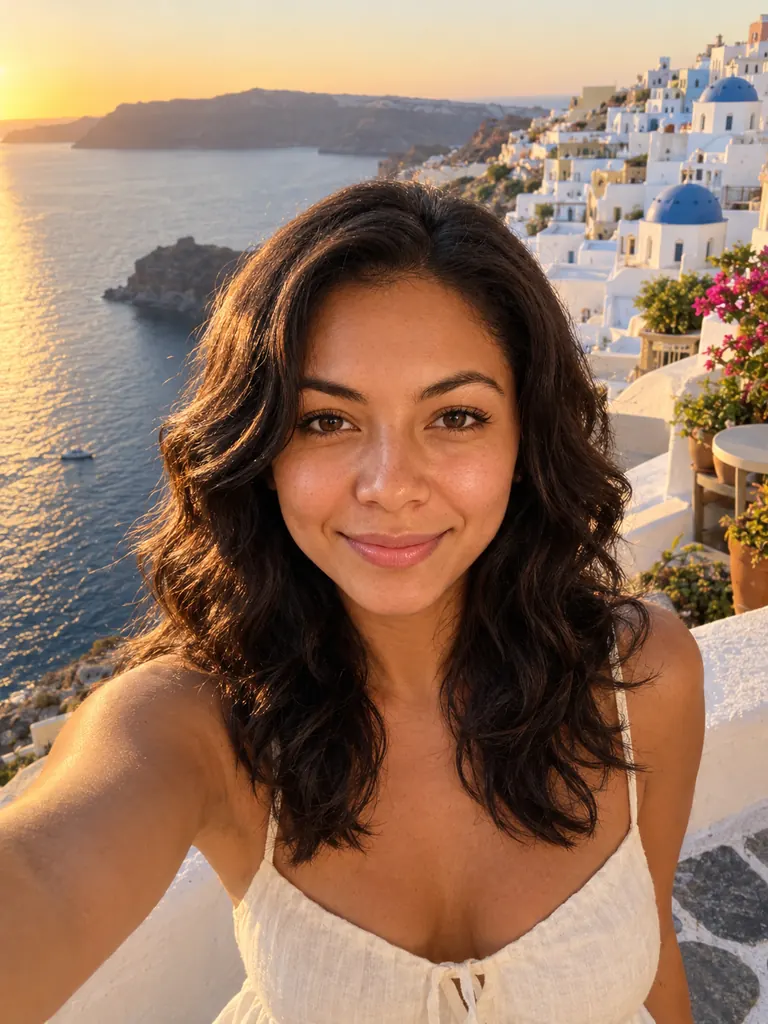
The same woman in a new AI selfie on a Greek island terrace at golden hourAfter
Example · Travel selfie

Selfies made with the AI selfie generator

Every result started as an everyday selfie taken at home or on the street. Tap “Use this prompt”, add your own selfie and change the place to yours.

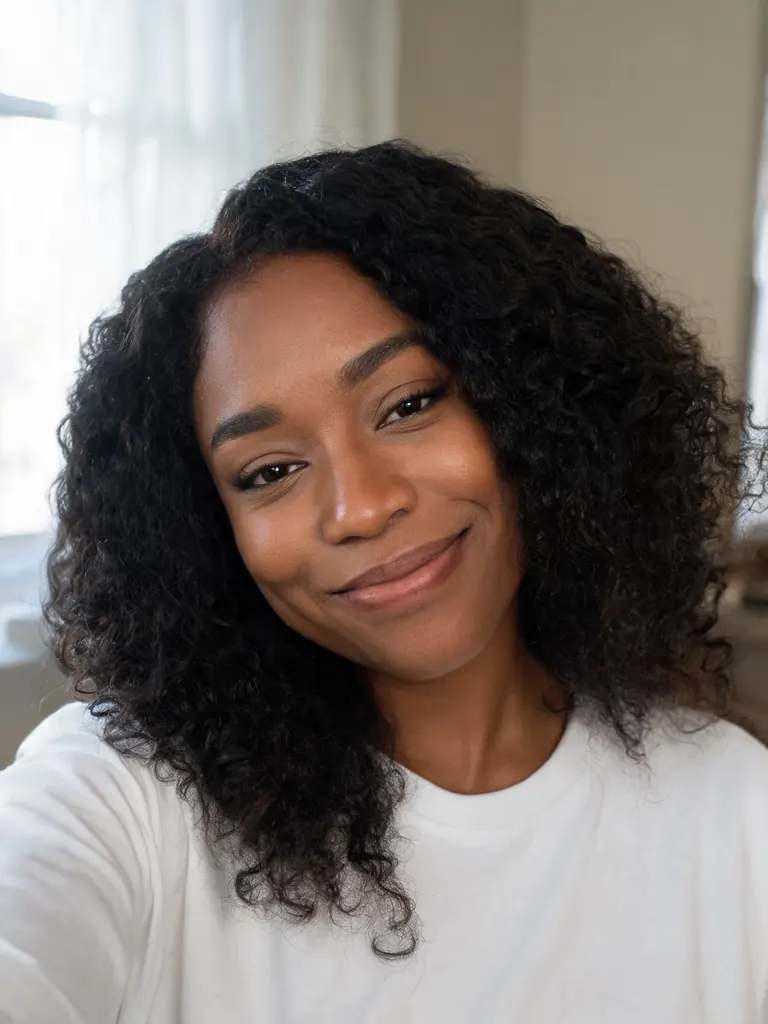
  • Original selfie of a woman in a white T-shirt at home
    Before
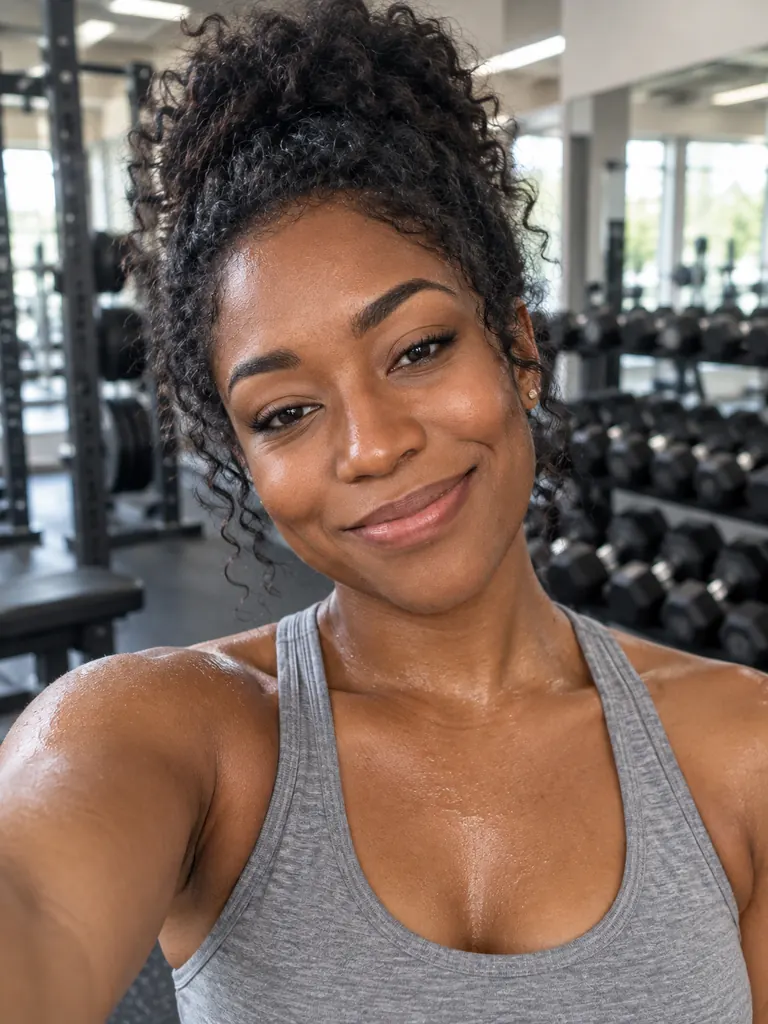
    The same woman taking a post-workout selfie in a gym
    After
    Gym selfie

    “Make a post-workout selfie of her in a bright gym: gray tank top, hair tied up, a light sheen of sweat, weight racks softly blurred behind. Phone front camera at arm’s length, natural overhead light. Keep her face the same.”

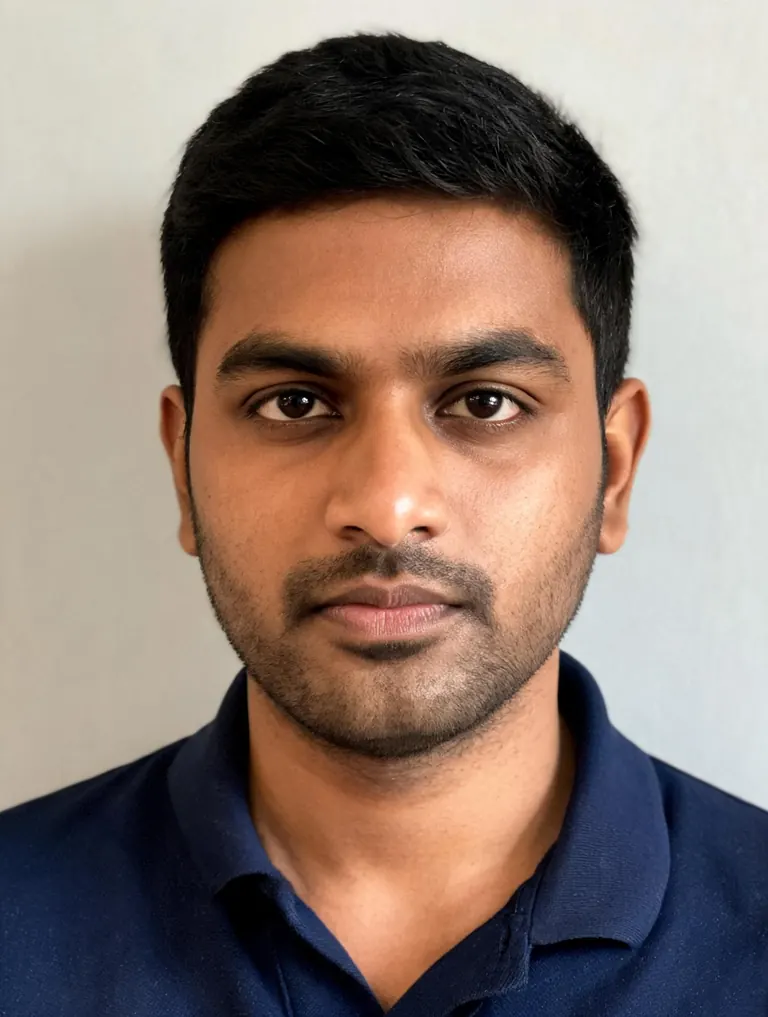
  • Original photo of a man in a navy polo shirt indoors
    Before
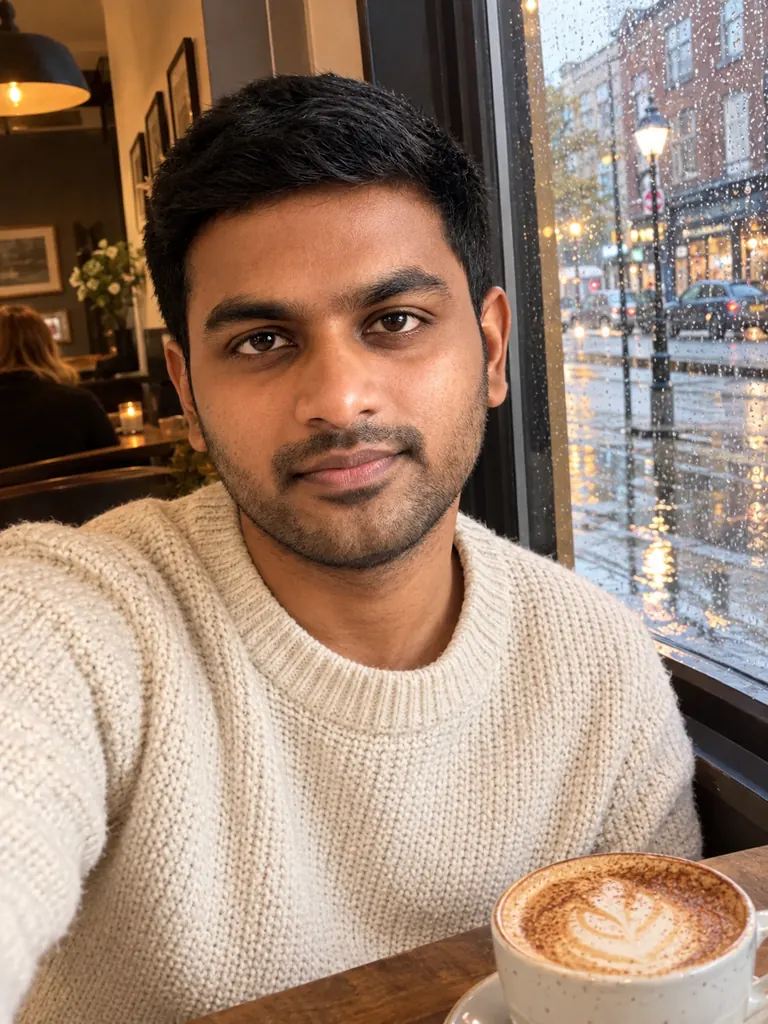
    The same man in a cafe selfie with a cappuccino and rain on the window
    After
    Rainy-day cafe

    “Make a selfie of him at a window seat in a cozy cafe, a cappuccino on the table and a rainy street outside, warm indoor light, cream knit sweater. Casual front-camera phone selfie with a relaxed smile. Keep his face and hair the same.”

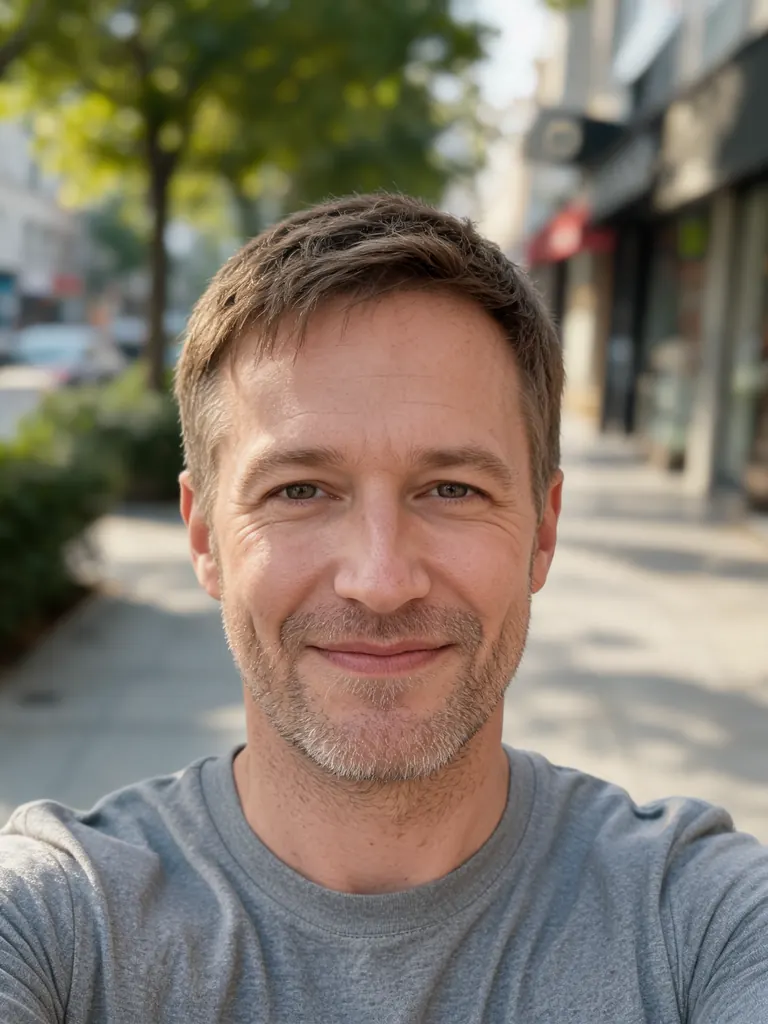
  • Original casual selfie of a man with light stubble outdoors
    Before
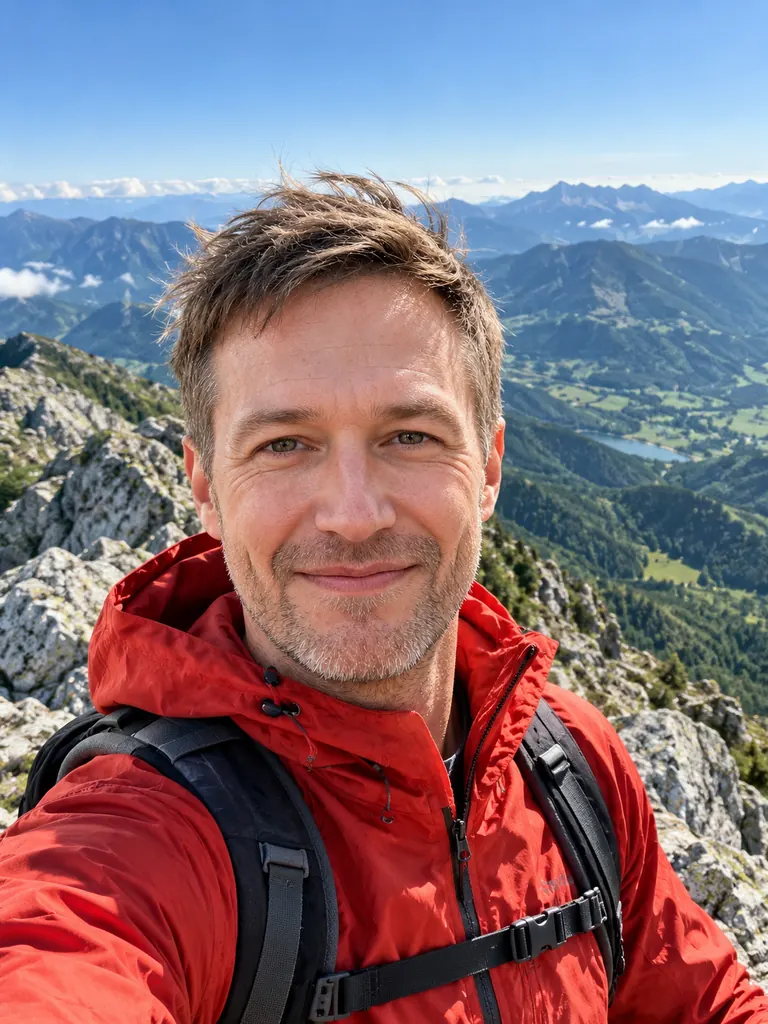
    The same man in a hiking selfie on a mountain summit
    After
    Summit selfie

    “Keep his face and stubble the same and make a selfie of him on a mountain summit on a clear morning: rocky ridge and green valleys behind, red hiking jacket, windswept hair. Wide-angle front-camera phone selfie, bright natural light.”

What the AI selfie generator changes

A selfie is you, a phone at arm’s length and whatever is behind you. Keep the first part, rewrite the rest in plain words.

The place

Beaches, city streets, snowy cabins, stadium seats, a night market. Name the place and the time of day, and the background, weather and light on your face change together.

  • Add the hour: “golden hour”, “blue hour”, “noon sun”
  • Mention one detail: a tram, palm trees, falling snow
  • Match the weather to your clothes

The outfit and the moment

Swap the T-shirt for a ski jacket, a party dress or gym clothes. Add a coffee, a medal, a birthday cake or a pair of sunglasses pushed up on your head.

  • Describe fabric and color: “red puffer jacket”
  • One or two props are enough
  • Say how you feel: tired and happy, laughing

The phone-camera look

The result should look taken, not staged. Front-camera framing, a slight wide-angle stretch and everyday light keep a new selfie from turning into a studio portrait.

  • Write “front camera at arm’s length”
  • For a mirror selfie, say where the phone is
  • Skip “professional lighting” for this look

How to use the AI selfie generator

  1. 1

    Upload a clear selfie

    Pick one selfie where your face is sharp and well lit, without sunglasses or heavy filters. It is the reference for every new shot.

  2. 2

    Describe the new scene

    Write where you are, what you wear and what time it is, then add “keep my face the same”. One or two sentences are enough.

  3. 3

    Pick a model

    GPT Image 2.5 is the default. For the closest likeness choose Nano Banana 2 or Nano Banana Pro. FLUX.2 is free and works from one photo.

  4. 4

    Save your favorites

    Most selfies are ready within a few minutes; free accounts wait at least 2 minutes on premium models. Results go to My Images, private to you.

Tips for selfies that feel real

  1. 01

    Keep the angle

    If your original selfie is taken from slightly above, ask for the same angle. A new angle is where faces drift most.

  2. 02

    Let the light agree

    Noon on a beach means bright light and hard shadows; a cafe at night means warm lamps. When the light on your face matches the place, the edit disappears.

  3. 03

    Bring a friend or a pet

    Upload a second photo and write “add the dog from photo 2 next to me”. GPT Image 2.5 takes 16 reference photos, FLUX.2 only one.

  4. 04

    Keep it fun, not proof

    An AI selfie is great for a profile refresh, a joke with friends or a trip you are planning. Don’t use one to make people believe you were somewhere you weren’t.

An AI selfie generator that keeps the phone look

Most AI photo tools aim for a polished portrait: perfect light, blurred background, soft skin. An AI selfie generator has a different job. The new picture should look like you took it yourself, with the phone at arm’s length, a slightly wide lens and the light that happened to be there. That is what makes an AI selfie believable on a feed or in a group chat.

The setup is simple. Your uploaded selfie tells the model what your face, hair and skin look like, and your prompt says where you are and what you wear. GPT Image 2.5, the default on this page, follows longer scene notes well. Nano Banana 2 and Nano Banana Pro usually keep a face closest to the original, so use them when likeness matters more than a complex scene.

Costs are the same as the rest of the site. New accounts get 8 free credits and 4 more every day from the second day. A 1K selfie with GPT Image 2.5 costs 3 credits, and Nano Banana 2 costs 4. The free FLUX.2 model makes 30 images a day for signed-in accounts from a single photo.

Your selfies stay private in My Images, download at full size without a watermark and can be deleted at any time. Upload only your own face or photos of friends who agreed. Sexual content, anything involving minors and images meant to deceive or harass a real person are blocked.

AI selfie generator FAQ

Is the AI selfie generator free?

You can start free: 8 credits at sign-up, then 4 free credits a day from the second day. FLUX.2 costs no credits for signed-in accounts. GPT Image 2.5 and Nano Banana models use credits.

Will the new selfie look like me?

Usually, if your photo is sharp and you add “keep my face the same”. For the most faithful likeness choose Nano Banana 2 or Nano Banana Pro. No model promises an identical face every time.

Can I make a mirror selfie?

Yes. Say “mirror selfie in a hotel bathroom, phone in my right hand” and describe the outfit. The AI selfie generator adds the phone and the reflection.

Can I add my partner or my dog?

Yes. Upload their photo too and say where they stand. Use GPT Image 2.5 or a Nano Banana model for this, because FLUX.2 edits only one photo.

Can I post the selfies?

Yes. They download without a watermark and you may use them for personal and commercial posts. Be open that a picture is AI-made when that matters to the people who see it.

Why does my face look different?

Big changes in angle, age or lighting pull the face away from your photo. Keep the angle close to the original, use a sharper selfie, or switch to Nano Banana Pro.

Make a new selfie with the AI selfie generator

Pick one clear selfie, name a place and an outfit, and get your new picture in a few minutes.

Start creating