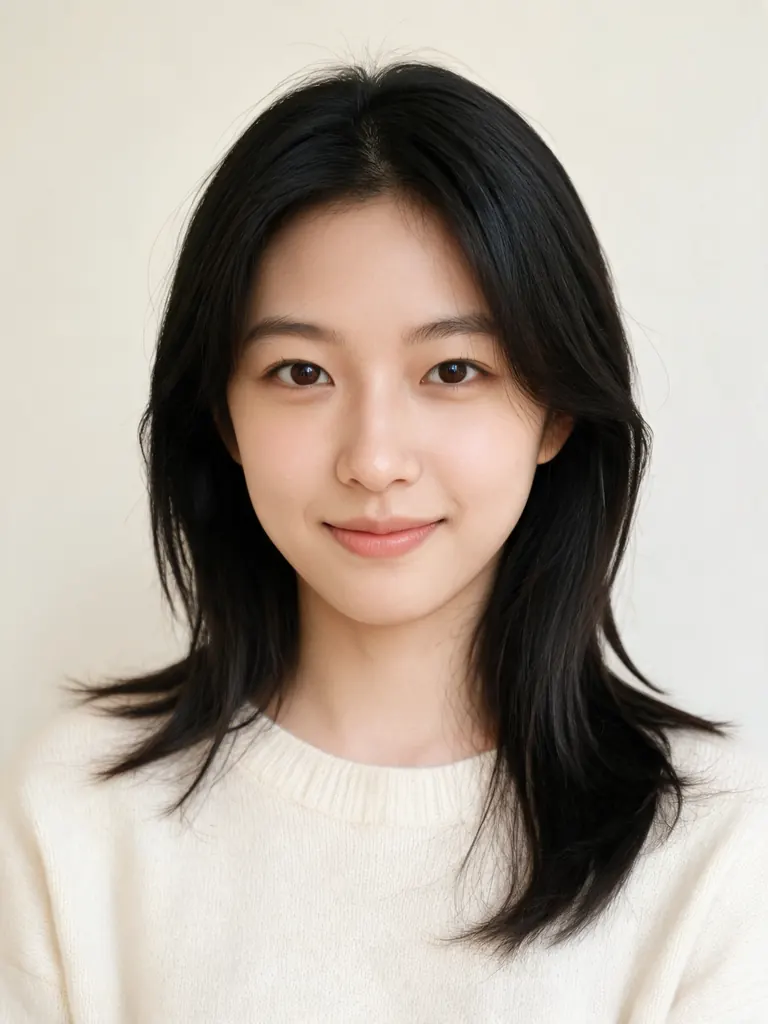
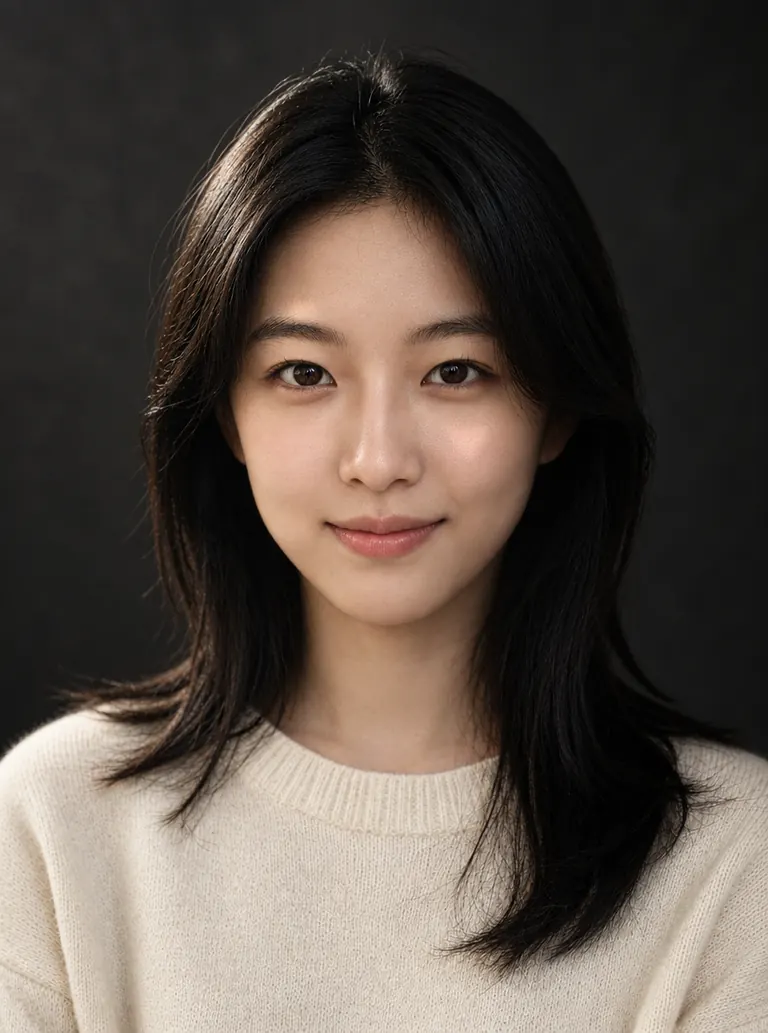
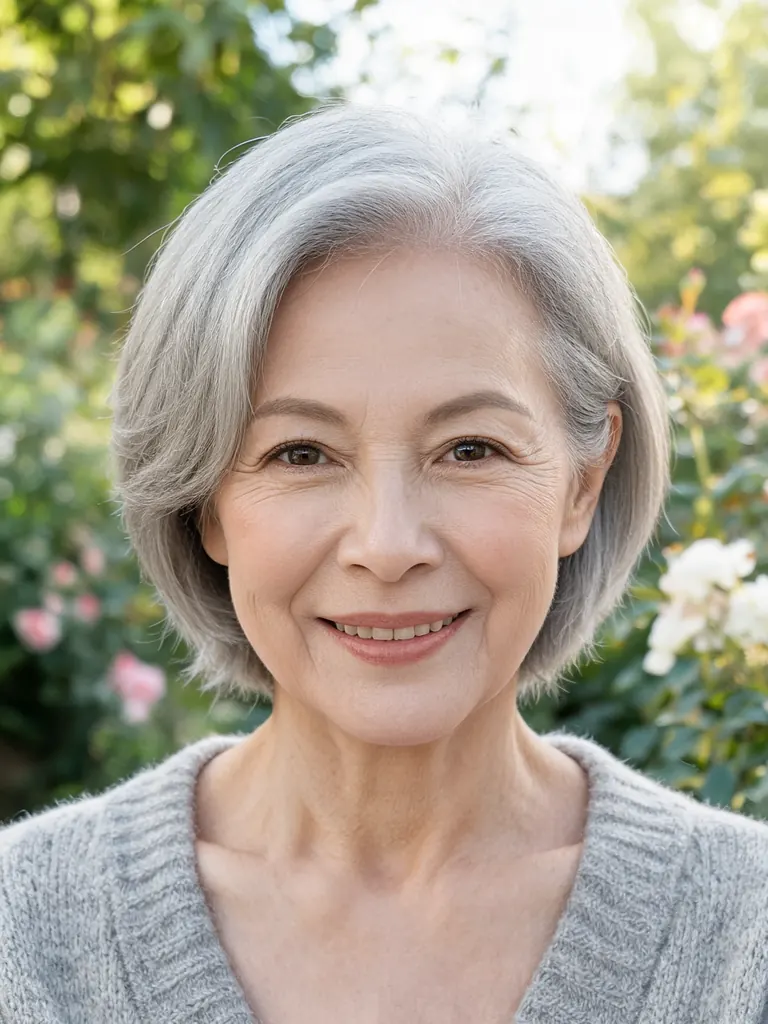
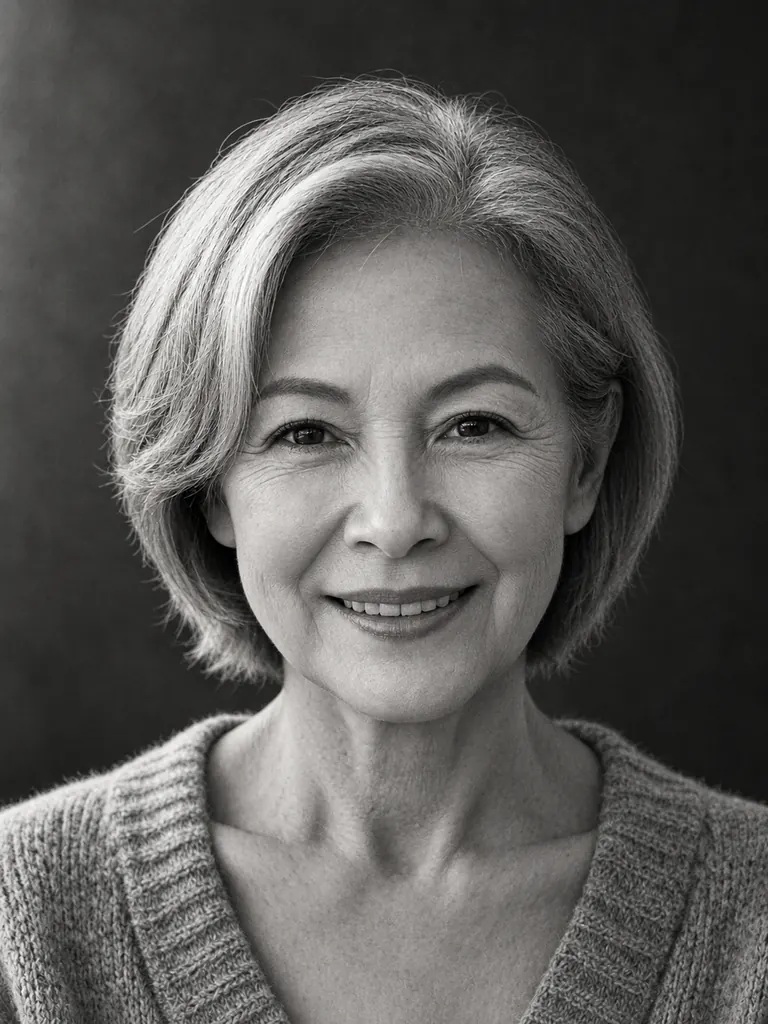
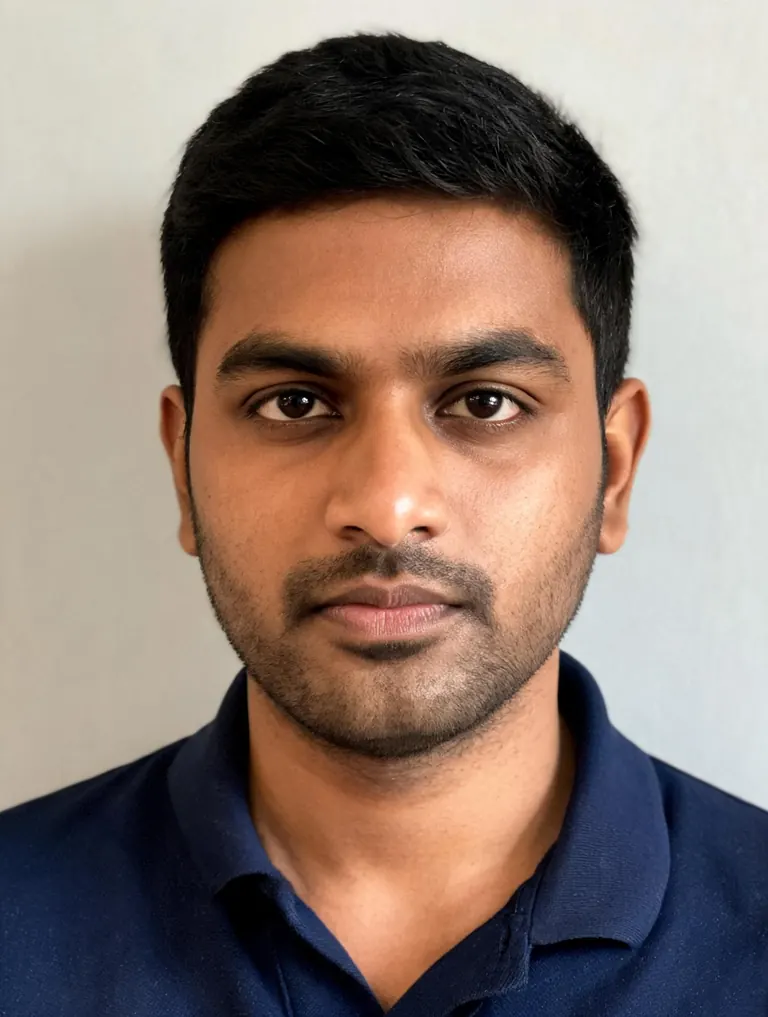
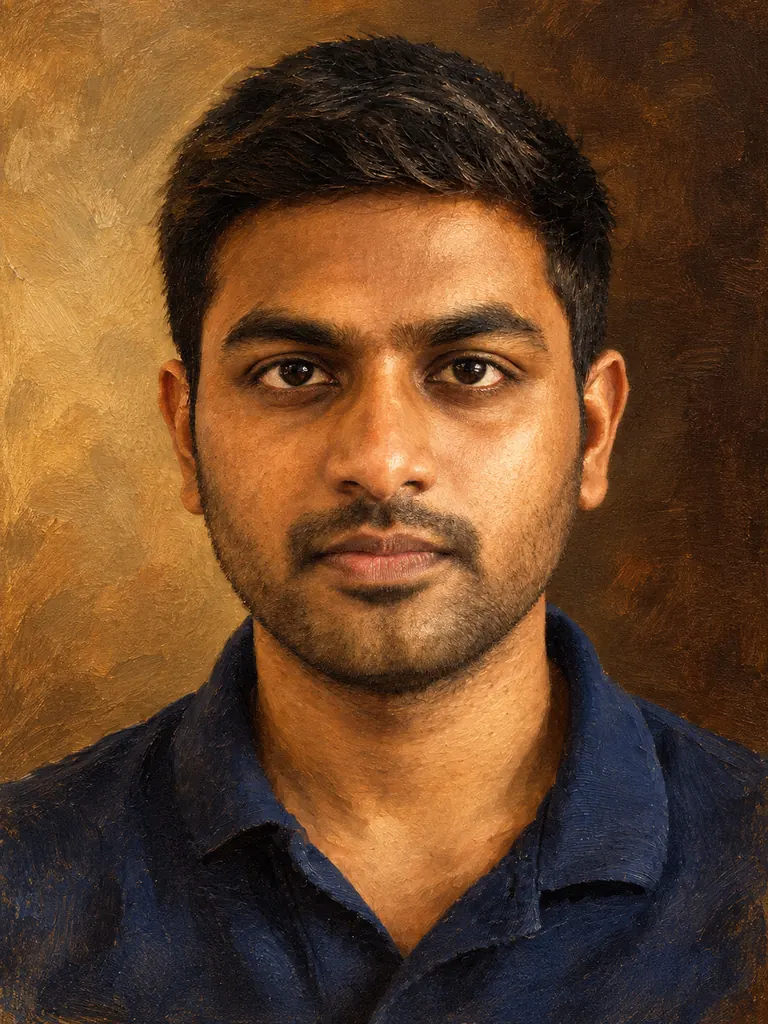
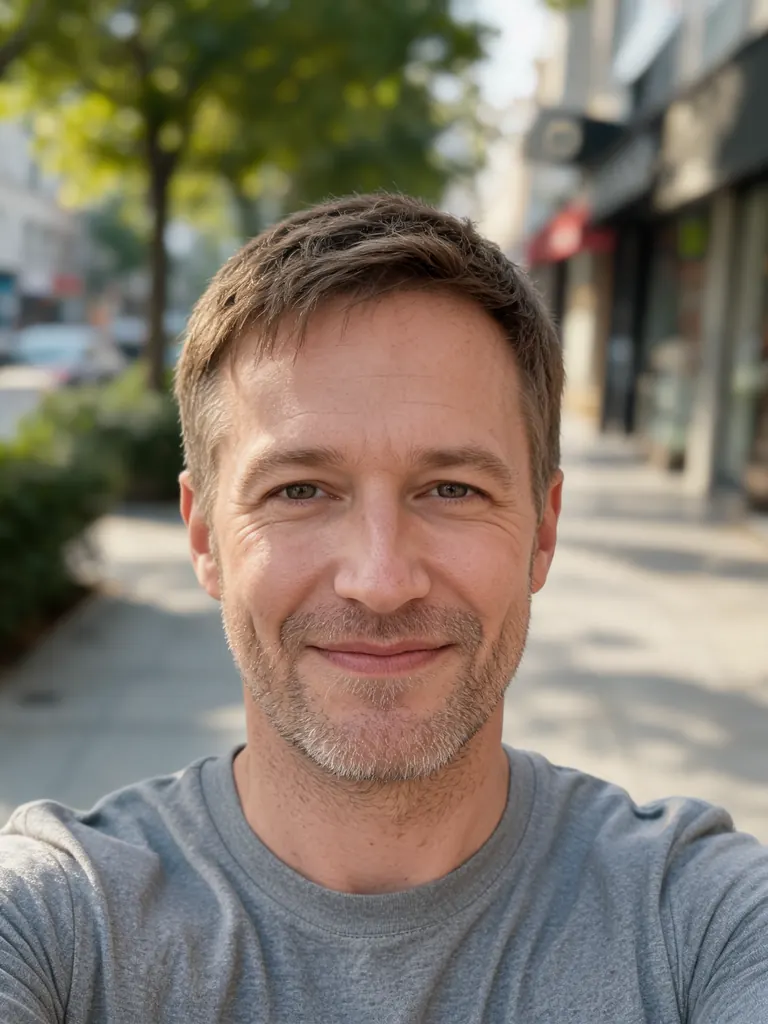
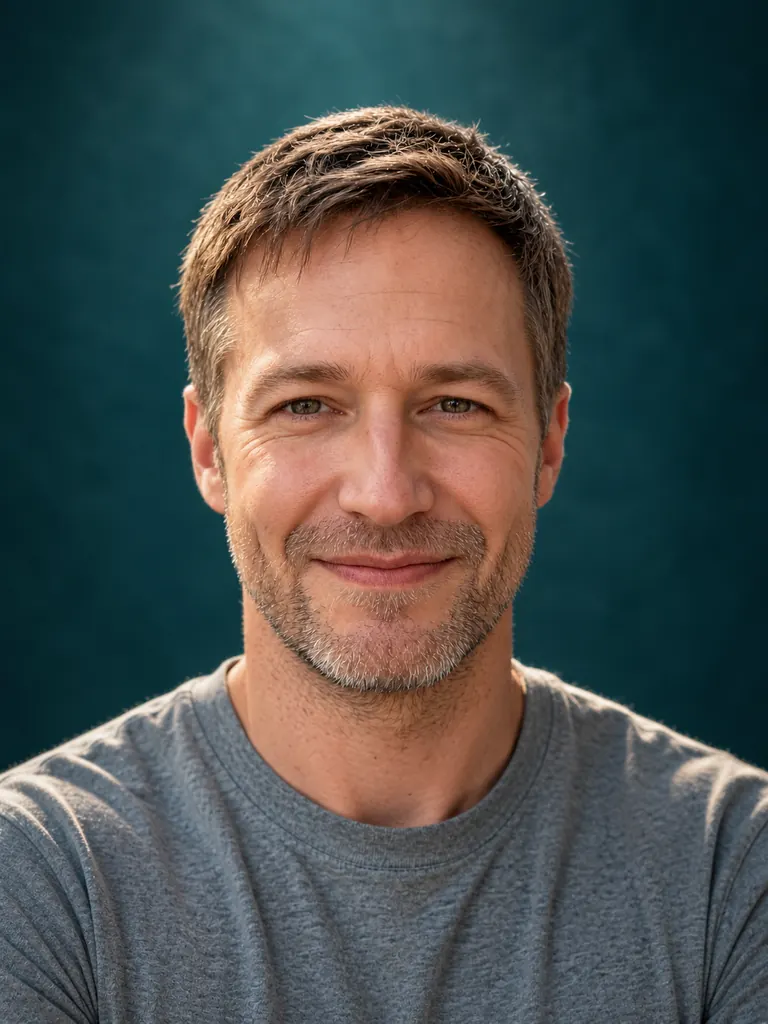
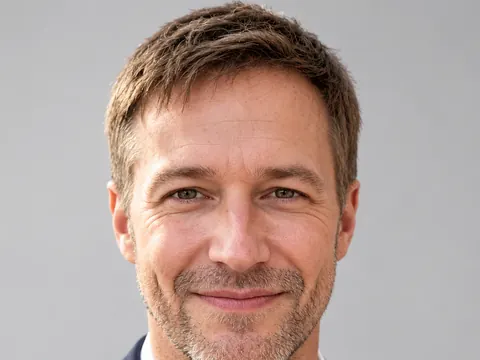
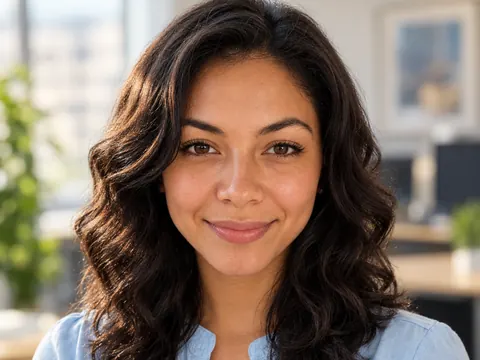
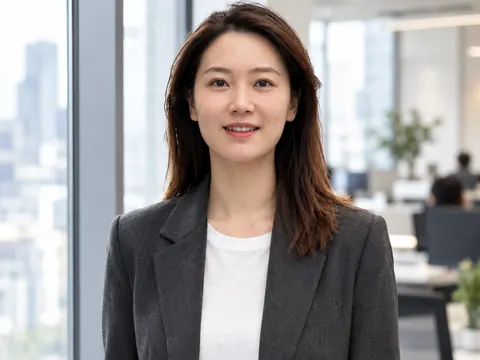
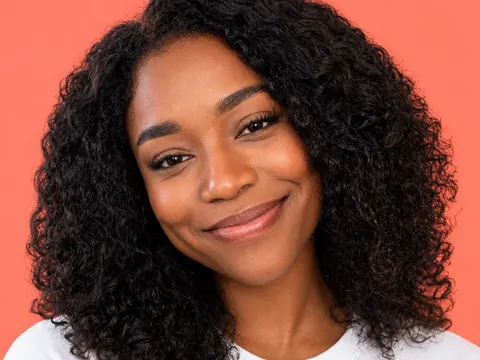
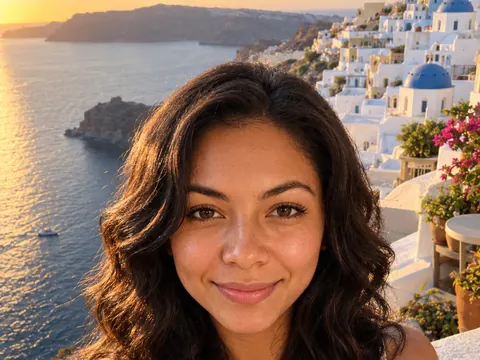
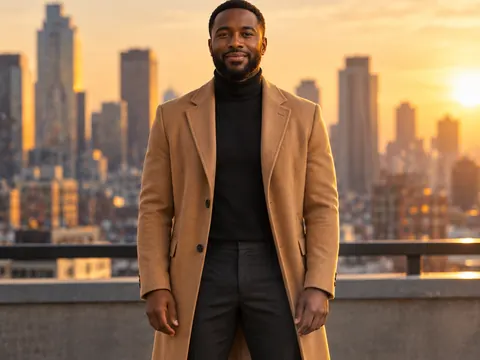
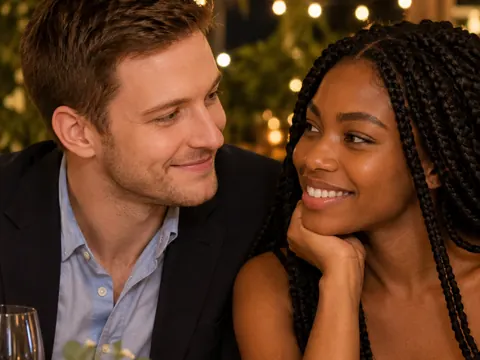
A studio portrait usually takes a photographer, two or three lights, a paper backdrop and an hour of setup. An AI portrait generator gets close from one ordinary photo because it treats light as something you can describe. Ask for a soft key light at 45 degrees and a dark backdrop, and the shadow under the cheekbone, the catchlight in the eyes and the falloff on the shoulders all follow.
You can also start from words alone. Describe the person, for example “a man in his 50s with a gray beard, wool coat, window light”, and the model creates a new, fictional face in that light. This is handy for book characters, mood boards and planning a real shoot. An AI portrait of a real person should come from a photo that person agreed to share.
Likeness depends on the model. GPT Image 2.5, the default here, follows long lighting notes closely and usually keeps a face recognizable. Nano Banana 2 and Nano Banana Pro keep faces most faithfully, so choose them for a portrait of yourself or a gift for your family. No model makes a perfect copy of a face, so run a prompt twice and keep the better one.
New accounts get 8 free credits and 4 more every day from the second day. A 1K portrait with GPT Image 2.5 costs 3 credits, 2K costs 4 and 4K costs 7. The free FLUX.2 model gives signed-in accounts 30 images a day from one photo. Every portrait downloads at full size with no watermark and stays private in My Images.