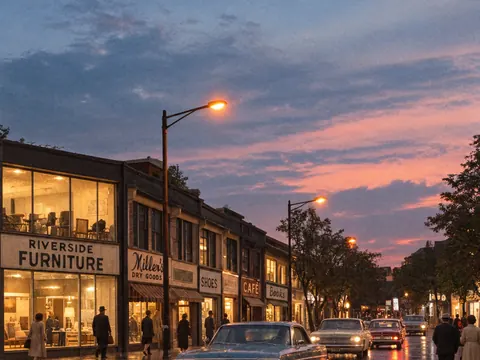
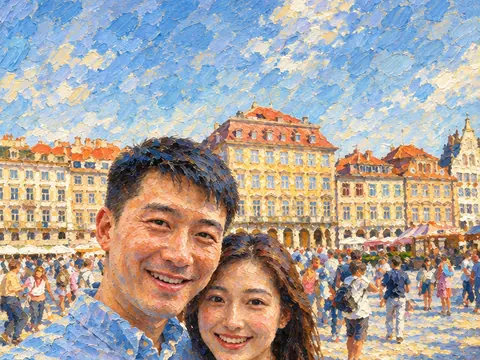
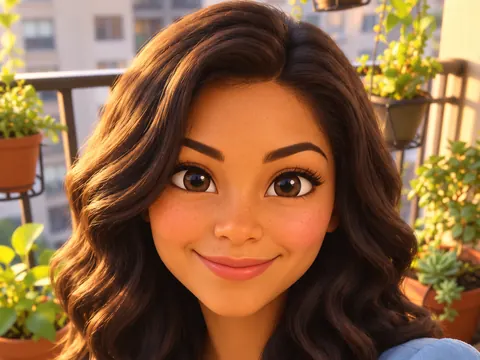
Phone 9:16 · desktop 16:9 · ultrawide 21:9

AI Wallpaper Generator

Describe the view you want behind your apps. The AI wallpaper generator paints it in the exact shape of your screen, from a tall phone lock screen to a wide desktop, and in 2K or 4K so it stays sharp.

  • 8 free credits when you sign up
  • 4 more free credits every day
  • No watermark
Add a photo to edit it (optional)

Best for text in images: posters, signs and labels.

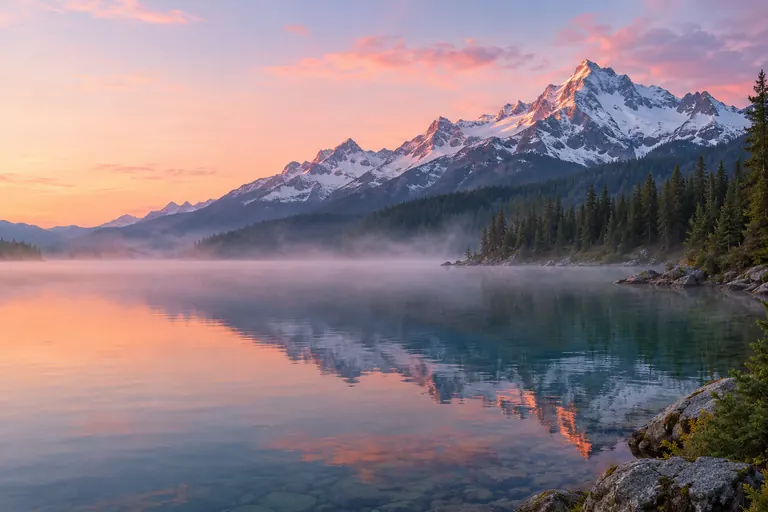
Desktop wallpaper of an alpine lake at dawn with mist, pines and snowy peaks, made with an AI wallpaper generator
Example · Desktop landscape

Wallpapers made with the AI wallpaper generator

Each AI wallpaper below came from one prompt. The first is a wide desktop background; the others are tall phone screens. Tap “Use this prompt”, then change the place or the colors.

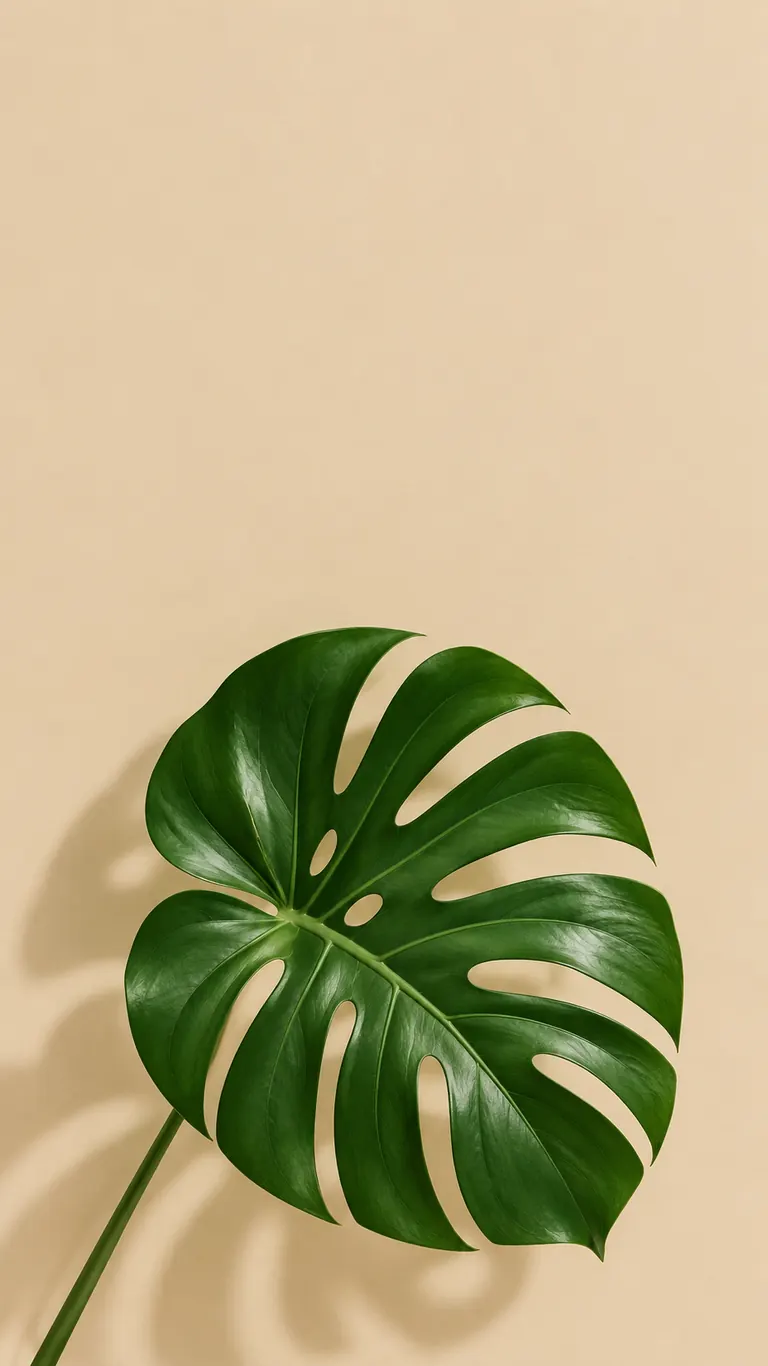
  • Minimal phone lock screen wallpaper of one green monstera leaf on a beige background
    Minimal lock screen

    “A minimal phone lock screen wallpaper: a single deep green monstera leaf on a warm beige background with a soft shadow. Leave the top third empty for the clock, no text.”

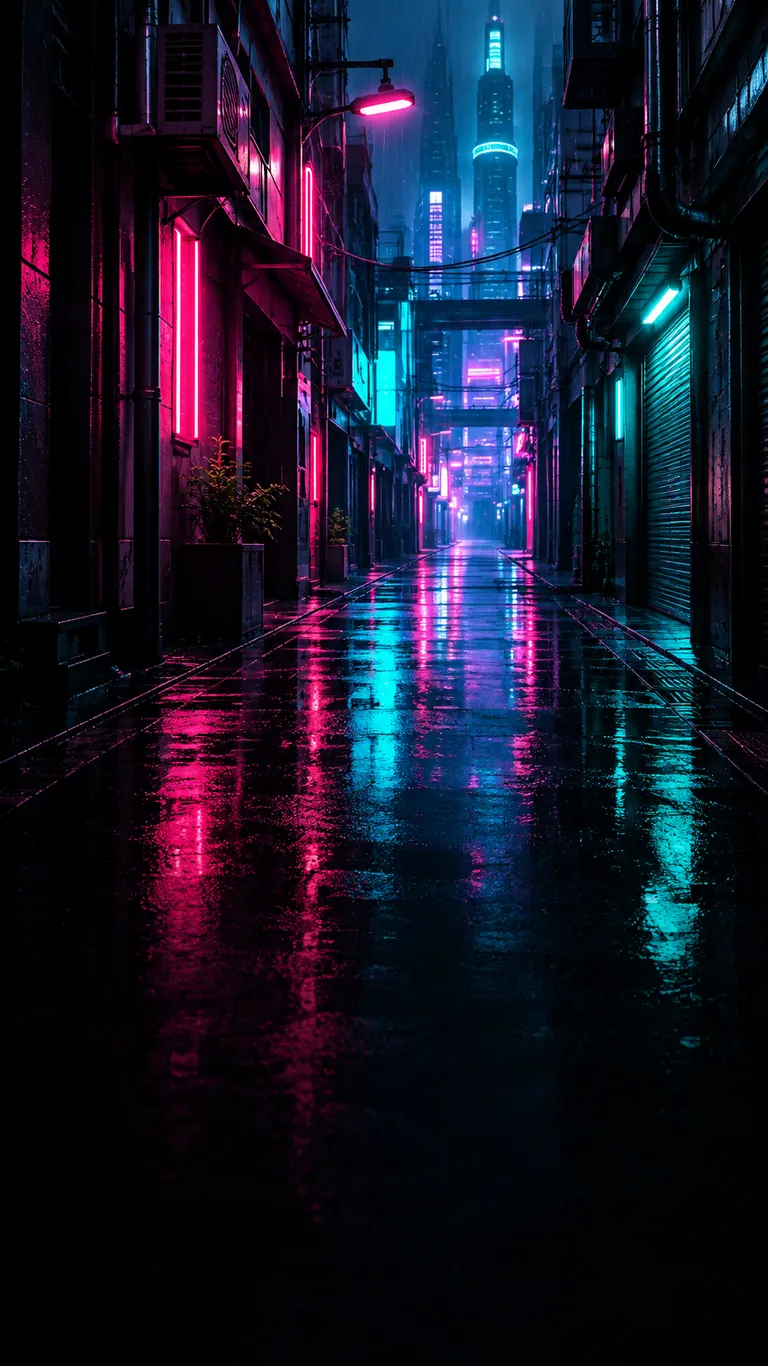
  • Phone wallpaper of a rainy neon alley at night with pink and teal reflections on wet pavement
    Neon city at night

    “A phone wallpaper of a narrow rainy alley in a futuristic city at night, pink and teal neon reflected on wet pavement, no people, no text. Keep the lower half dark so app icons stay easy to read.”

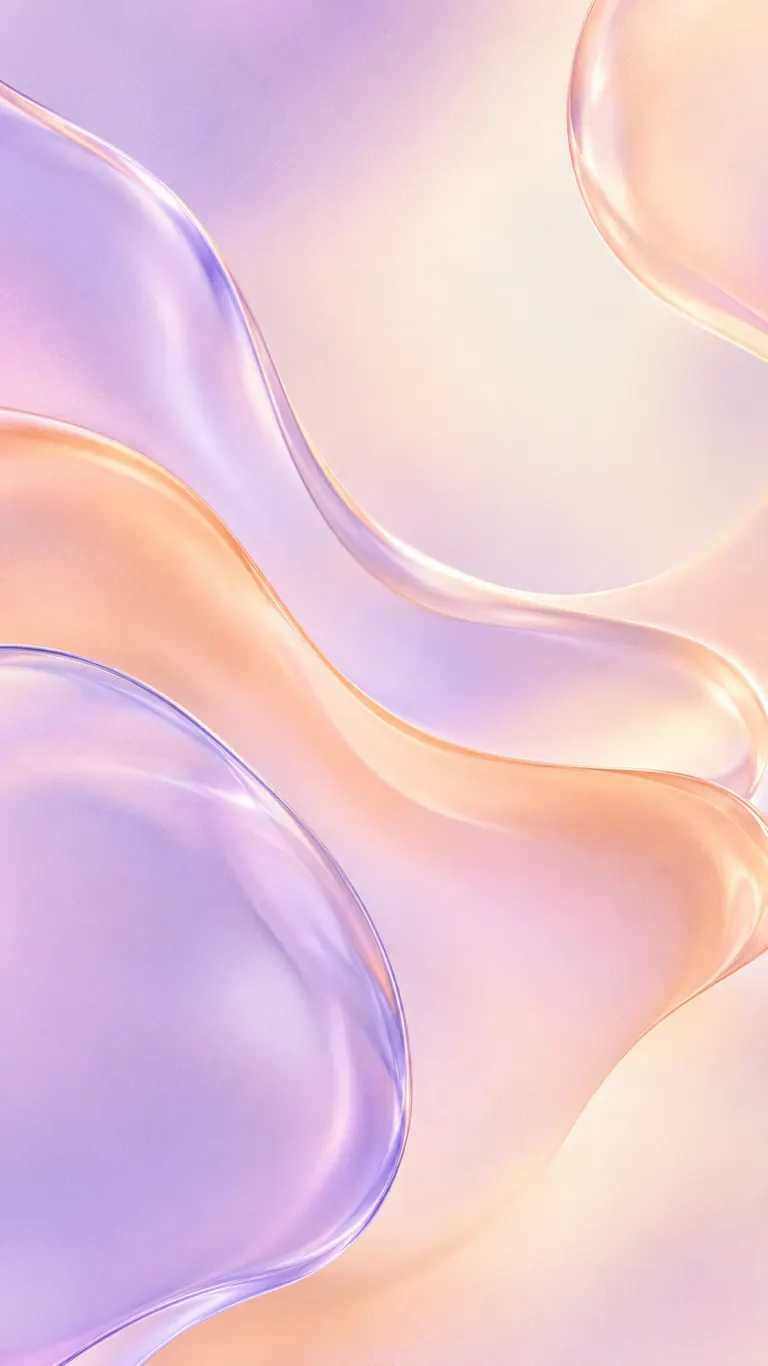
  • Abstract phone wallpaper of flowing glass-like shapes in lavender, peach and cream
    Abstract gradient

    “A soft abstract phone wallpaper of flowing liquid glass shapes in lavender, peach and cream, smooth gradients with a little film grain, no text, calm and even so icons stay readable.”

Pick the right shape in the AI wallpaper generator

A wallpaper that is the wrong shape gets cropped or stretched. Choose the shape of your screen before you generate, and the scene is composed for it from the start.

Phone and lock screen: 9:16

The 9:16 tall shape is preset because most people make phone backgrounds. Newer phones are a little taller, so your phone trims a thin strip from the sides; keep the main subject near the center.

  • Leave the top third calm for the clock
  • Keep the bottom darker behind the dock
  • Use 2K for phones; it stays crisp on sharp screens

Laptop and desktop: 16:9

Switch to 16:9 for most laptops, monitors and TVs. Tablets fit 4:3 or 3:4 better. Pick 4K for 4K monitors and large displays.

  • Keep the left side open for desktop icons
  • Ask for “photographic detail” for landscapes
  • Try 1K first, then rerun the one you like at 4K

Ultrawide and two screens: 21:9

21:9 is the widest shape here. It suits an ultrawide monitor, and spanning it across two screens side by side works with some cropping at the top and bottom.

  • Describe a wide scene: a skyline, a coast, a ridge
  • Avoid one small subject in the exact center
  • GPT Image 2.5, Nano Banana and Seedream offer 21:9

How to make a wallpaper with the AI wallpaper generator

  1. 1

    Choose your screen shape

    Keep 9:16 for phones. Switch to 16:9 for laptops and monitors, 21:9 for an ultrawide monitor, and 4:3 or 3:4 for tablets.

  2. 2

    Describe the scene and the space

    Name the place or pattern, the colors and the light, then say where to leave calm space, e.g. “empty sky at the top for the clock”. Add “no text” to keep it clean.

  3. 3

    Pick a quality level

    1K is fine for a quick look. Choose 2K for phones and laptops, and 4K for large or high-resolution monitors. The credit cost shows next to the Generate button.

  4. 4

    Download and set it

    Most wallpapers are ready within a few minutes (free accounts wait at least 2 minutes on premium models). Download the full-size file and set it from your phone or computer settings.

Tips for a wallpaper that looks good behind your apps

  1. 01

    Plan for the clock and the icons

    A lock screen shows the time at the top; a home screen fills with icons. Ask for calm areas in those places so nothing important sits under them.

  2. 02

    Darker is easier to read over

    White icon labels and widgets show up best on mid to dark tones. With a bright scene, ask for a soft dark fade at the bottom.

  3. 03

    Leave room for motion

    Some phones zoom and shift the wallpaper as you tilt or wake the phone. Keeping the subject a little away from the edges means nothing important gets cut off.

  4. 04

    Make a matching pair

    Run the same prompt at 9:16 and 16:9 to get one look on your phone and your computer. Change only the shape so the colors stay the same.

Why an AI wallpaper generator beats stretching a photo

Most photos are 4:3 or 3:2, so setting one as a phone background crops away much of the picture, and setting a phone shot on a monitor leaves it blurry or boxed. An AI wallpaper generator composes the image for your screen from the first pixel: a tall scene for a lock screen, a wide one for a desktop, with space left where the clock and icons go.

This page starts on GPT Image 2.5, which follows long instructions closely, so notes like “leave the top third empty” are respected. Seedream models are strong on rich color and painterly scenes, and Nano Banana 2 does fine detail well. The free FLUX.2 model makes 30 images a day for signed-in accounts and is a good way to try ideas before a 4K run.

Credits work the same on every page. New accounts get 8 free credits, then 4 more every day from the second day. With GPT Image 2.5 a wallpaper costs 3 credits at 1K, 4 at 2K and 7 at 4K, and the exact cost shows before anything is spent. Since 4K costs more, test at 1K and rerun only the winner.

Every wallpaper downloads at full size with no watermark, saves privately to My Images and can be deleted at any time. You may share or sell your designs. Keep them original: no brand logos, trademarked characters or famous faces, and follow our content policy on sexual content, minors and images meant to deceive or harass.

AI wallpaper generator FAQ

Is the AI wallpaper generator free?

You can start for free. New accounts get 8 credits and 4 more every day from the second day, enough for a 1K wallpaper with GPT Image 2.5 at 3 credits. The FLUX.2 model makes 30 free images a day for signed-in accounts.

Which size should I pick for my phone?

Keep the preset 9:16 shape and choose 2K. Taller phones trim a little from the sides, so keep the main subject near the center.

Can the AI wallpaper generator make 4K desktop wallpapers?

Yes. Switch to 16:9 and pick 4K. GPT Image 2.5, Nano Banana 2 and Nano Banana Pro offer 4K; Seedream models stop at 2K.

Can I make a wallpaper for two monitors?

Pick 21:9, the widest shape, and describe a wide scene such as a coastline or a city skyline. Set it to span both screens; expect some cropping at the top and bottom.

Can I turn my own photo into a wallpaper?

Yes. Add it with the + tile and describe the change, e.g. “extend this beach photo to a tall phone wallpaper, keep the colors”. The AI wallpaper generator usually fills in the extra space to match.

Can I share or sell wallpapers I make?

Yes. Results have no watermark and may be used for personal and commercial projects. Keep the designs original and free of brand logos, trademarked characters and real people you do not have permission to show.

Make your wallpaper now

Pick your screen shape, describe the view, and the AI wallpaper generator hands back a sharp background for your phone or desktop in a few minutes.

Start creating