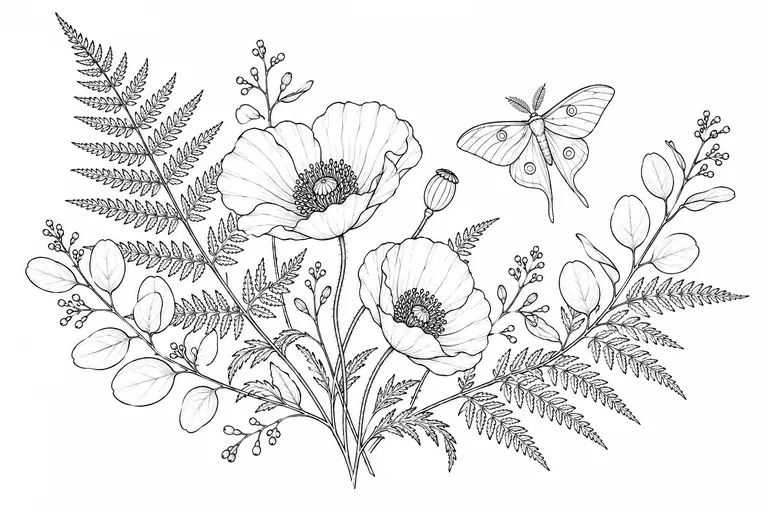
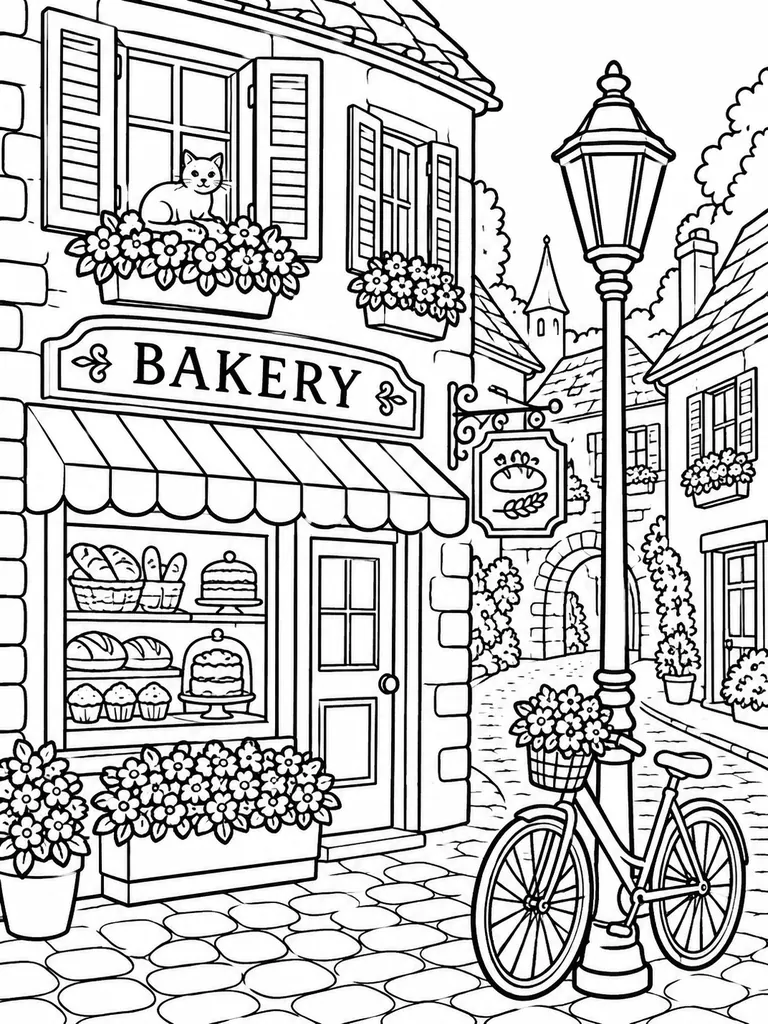
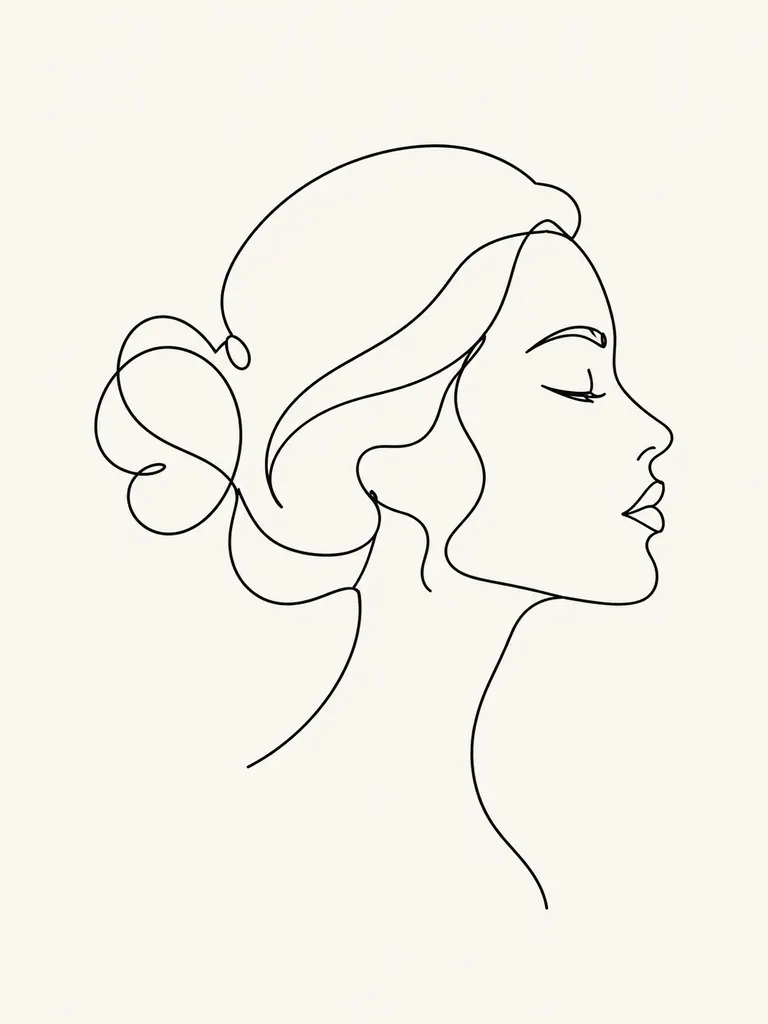
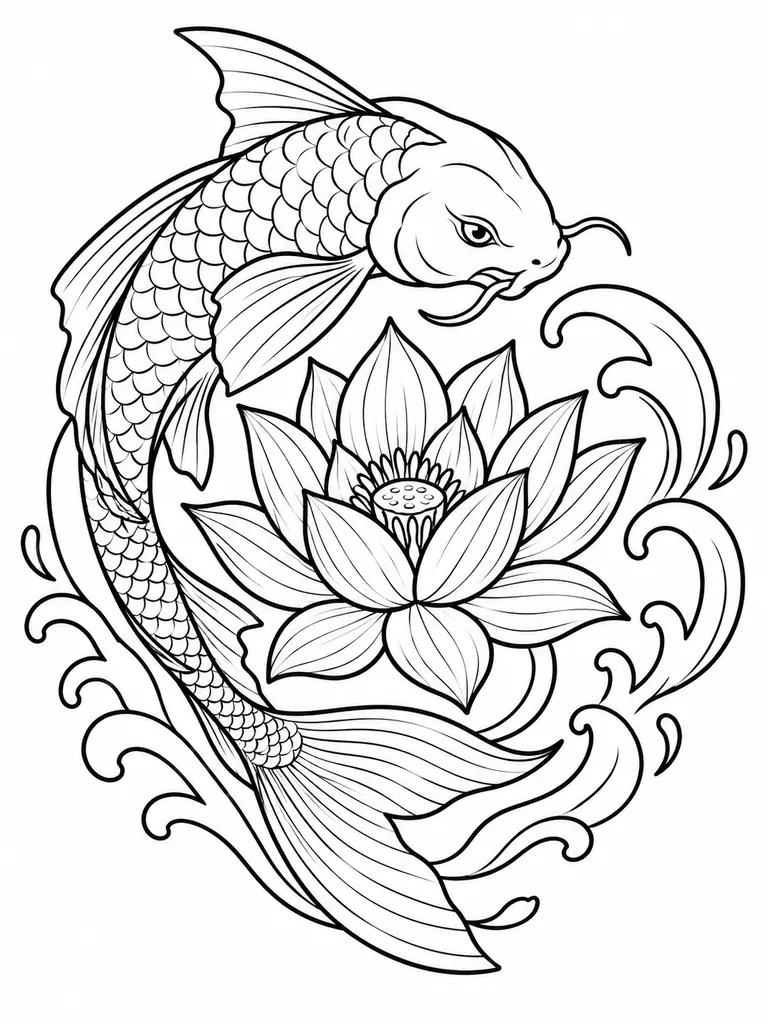
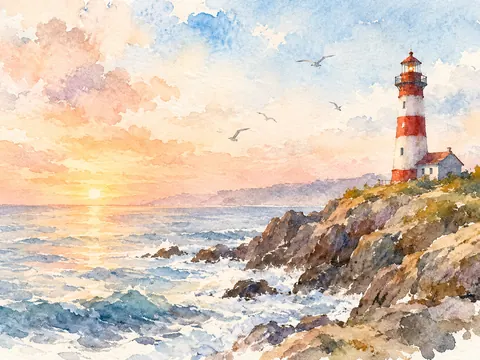
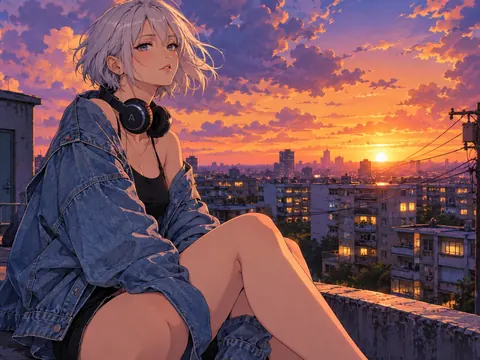
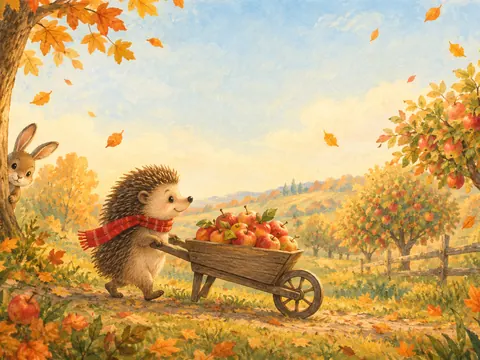
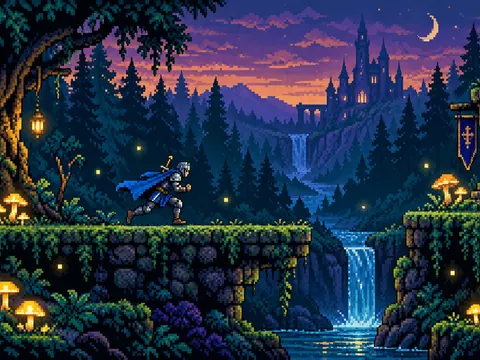
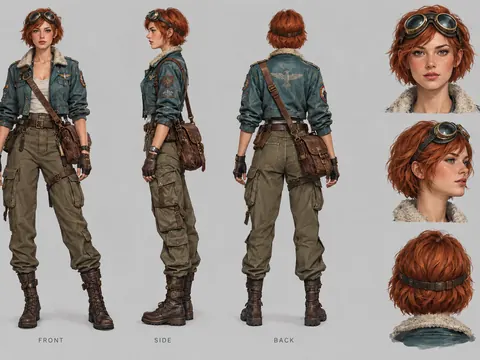
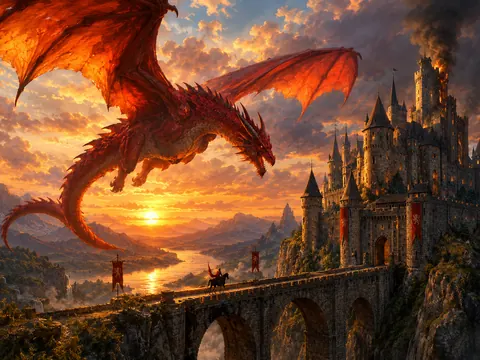
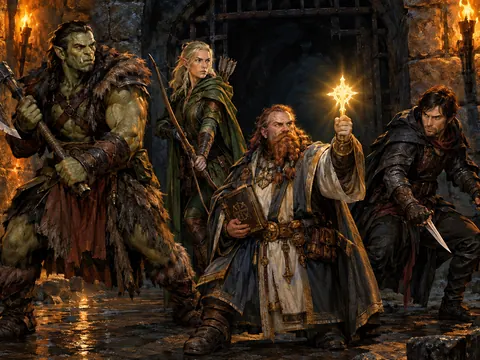
Line art is the drawing before the color: outlines only, no tones, lots of white space. An AI line art generator gives you that stage from a sentence. Describe a subject, say how thick the lines should be and what to leave out, and the model draws a clean page you can color, trace, print or ink over by hand.
GPT Image 2.5 is the default here because it follows long, specific prompts closely, which matters for AI line drawing. Instructions like “closed shapes”, “one continuous line” or “no gray fill” are the whole job. It also keeps short text readable, so a coloring page can carry a name or a title in outlined letters. You can switch to Seedream for bolder graphic shapes or to Nano Banana 2 for a different drawing hand.
Credits are shared across the site. New accounts get 8 free credits, and 4 more arrive every day from the second day. A 1K image with GPT Image 2.5 costs 3 credits, 2K costs 4 and 4K costs 7. The exact cost always shows next to the Generate button before anything is spent.
Every page from the AI line art generator downloads at full size without a watermark, for personal and commercial use, from a printable coloring book to a shop design. The file is an image, not a vector; if a cutter or laser needs paths, trace the black lines in a vector app.