Upload a photo · get a work photo

AI Professional Photo Generator

A headshot is only one kind of work photo. The AI professional photo generator turns a casual picture into a half-body shot at a desk, on a stage or in your own workplace, ready for a team page, a speaker bio or an about page.

  • 8 free credits when you sign up
  • 4 more free credits every day
  • No watermark
Add a clear photo, waist-up or full length

Best for text in images: posters, signs and labels.

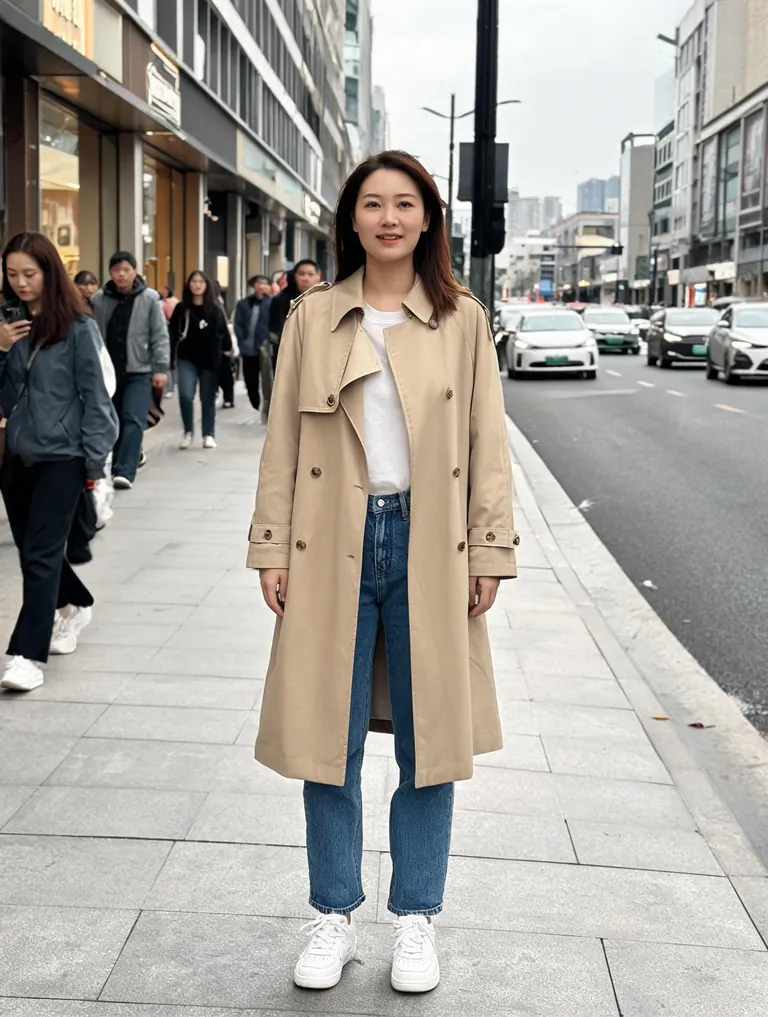
Original full-length photo of a woman in a beige trench coat on a city sidewalkBefore
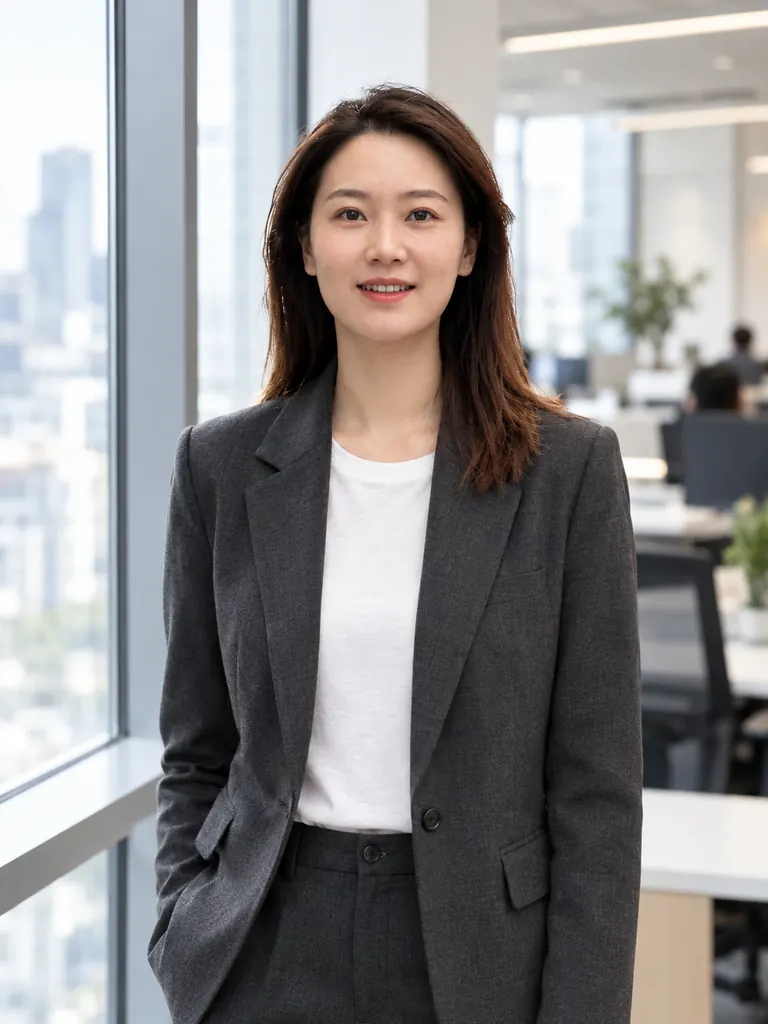
The same woman in a charcoal blazer by an office window, made with an AI professional photo generatorAfter
Example · Office window

Work photos from the AI professional photo generator

These began as a street snapshot, a park photo and two plain phone pictures. Each prompt names the setting, the outfit and how much of the body to show. Tap “Use this prompt” and add your own photo.

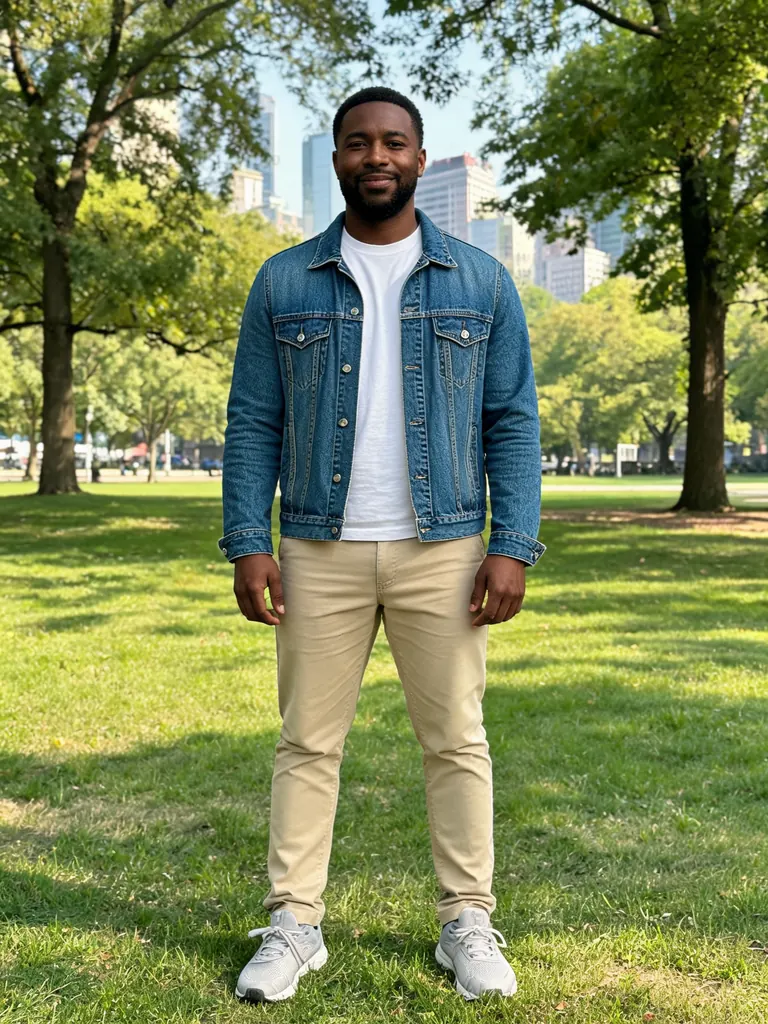
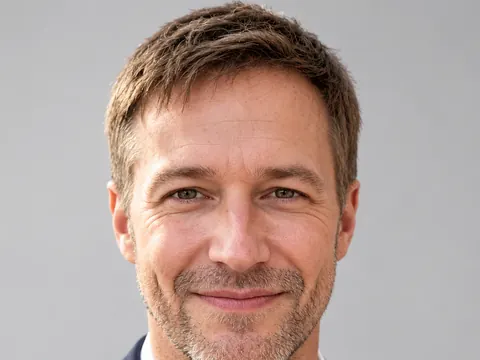
  • Original full-length photo of a man in a denim jacket standing in a city park
    Before
    The same man in a light blue shirt at a wooden office desk, as a team page photo
    After
    Team page desk

    “Place him at a wooden desk in a light open-plan office for our team page: light blue shirt with rolled sleeves, laptop open, turned toward the camera with a relaxed smile, shot on a 50mm lens. Keep his face, hair and skin tone the same, with real skin texture and believable office light.”

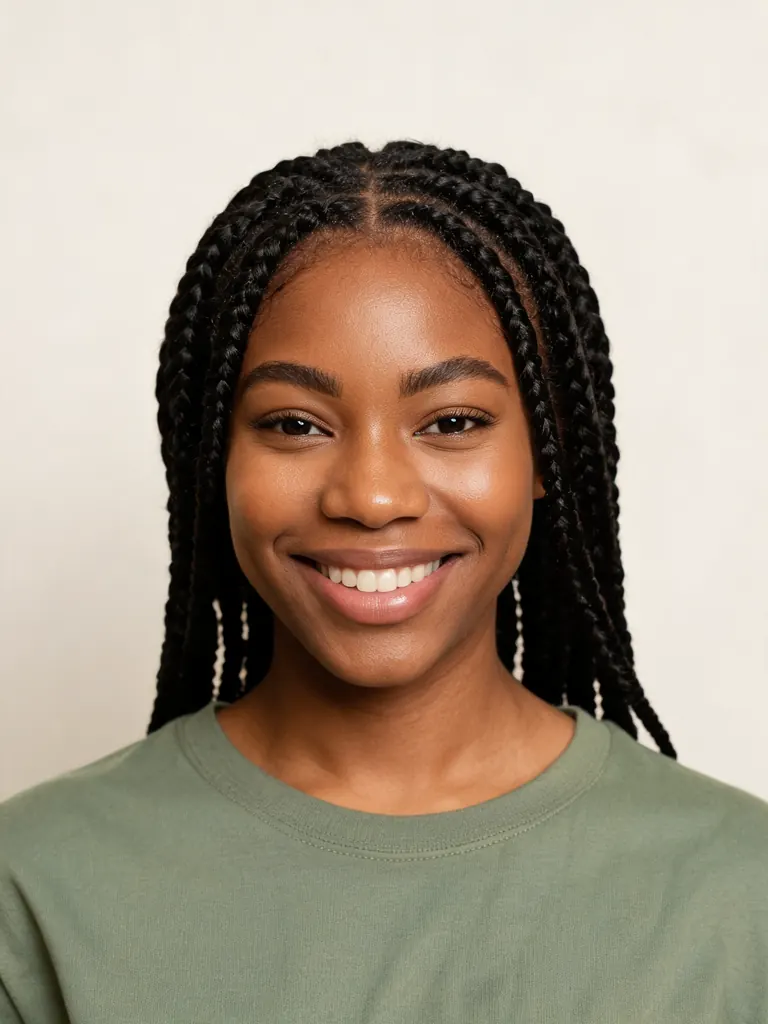
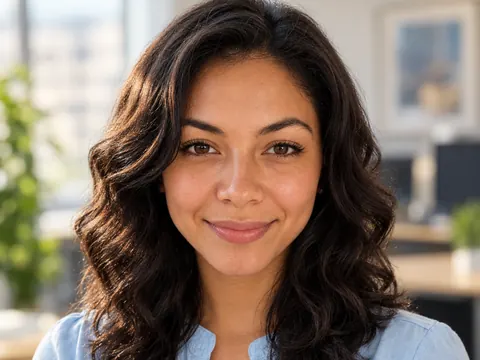
  • Original photo of a woman in a casual top against a plain background
    Before
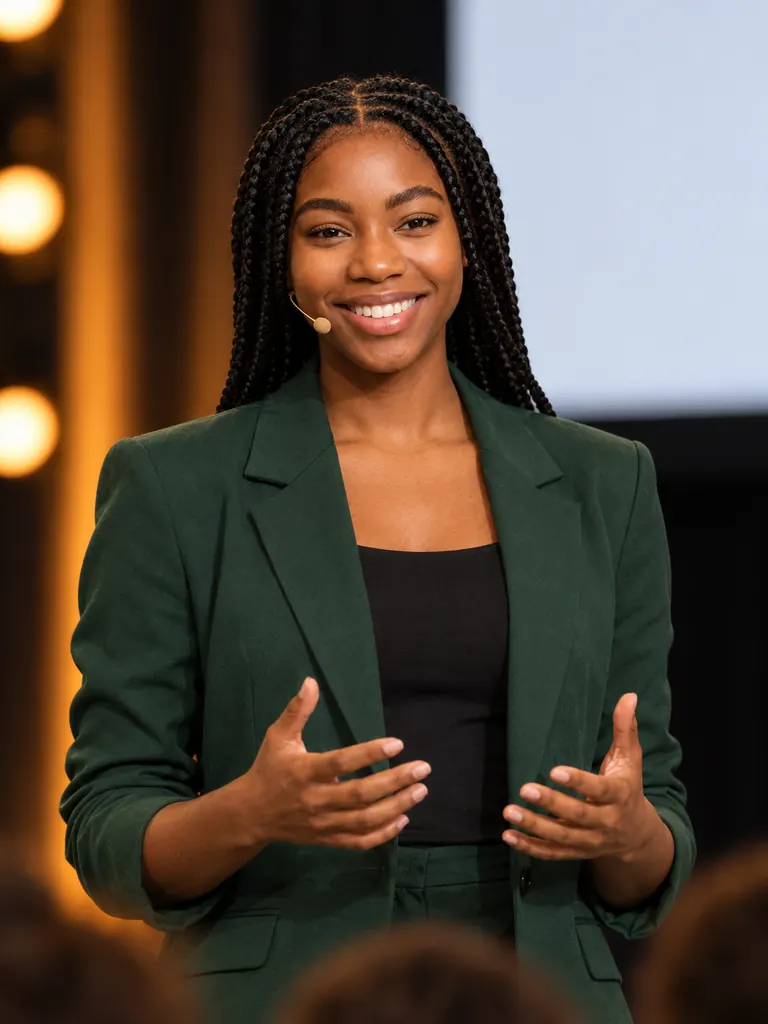
    The same woman in a dark green blazer speaking on a conference stage, for a speaker bio
    After
    Speaker on stage

    “Show her speaking on a conference stage for a speaker bio: waist-up, dark green blazer, small headset microphone, warm stage lights, blurred audience and a blank screen behind her. Her face, hair and skin tone stay exactly as they are, with natural skin detail.”

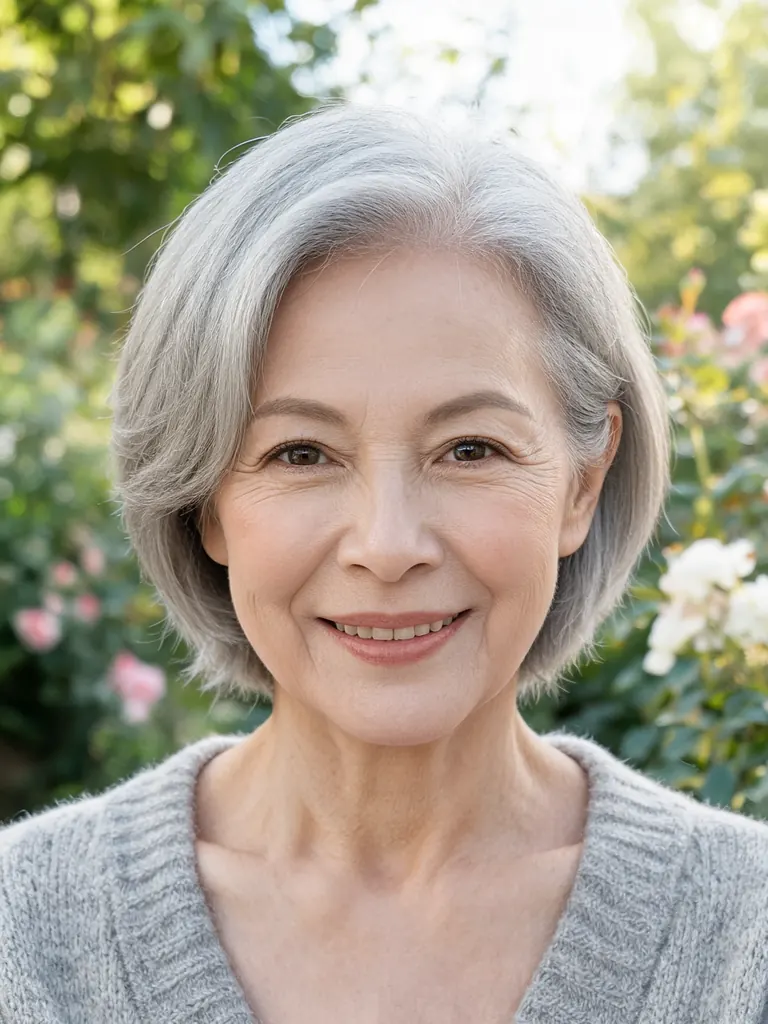
  • Original garden photo of an older woman with short gray hair in a cardigan
    Before
    The same woman in a linen apron behind a bakery counter, as an about page photo
    After
    Owner in her shop

    “Create an about-page photo of her in the small bakery she owns: standing behind the counter with fresh bread on the shelves, linen apron over a cream shirt, warm morning light, half-body. Do not change her short gray hair, face or skin tone, and keep the fine lines and texture of her skin.”

What the AI professional photo generator can set up

Professional photos tell people what you do, not only what you look like. You choose the setting, the framing and the outfit, and the model places you there with light that matches the room.

Half-body and wider framing

Headshots stop at the chest. Team pages, bios and press kits often need more: waist-up with your hands in view, or a three-quarter shot by a window. Say how much of you to show.

  • “Waist-up” suits bios and team pages
  • “Three-quarter length” suits about pages
  • Leave space on one side for website text

Real workplaces

Put yourself in an office, a lab, a classroom, a studio or a shop. A setting that matches your job tells visitors more than a plain backdrop can.

  • Name two or three objects: “laptop, plants, whiteboard”
  • Ask for the background “softly blurred”
  • Match the light to the room: daylight or warm lamps

A matching set for the team

When several people run the same prompt in the AI professional photo generator, each with their own photo, the team page gets one look: same office, same light, same framing. Only the faces and outfits change.

  • Share one prompt with the whole team
  • Fix the framing: “half-body, centered”
  • Agree on a dress style, not identical clothes

How to make work photos with the AI professional photo generator

  1. 1

    Upload a clear photo

    Use a sharp picture with your face in good light. Chest-up or full-length shots show the model your build and posture, which helps with half-body scenes.

  2. 2

    Describe the scene

    Name the place, what you are doing, what you wear and how much of you should show. End with “keep my face, hair and skin tone the same”.

  3. 3

    Choose a model and size

    GPT Image 2.5 is the default and handles busy scenes and long prompts well. For the most faithful likeness, try Nano Banana 2 or Nano Banana Pro. Pick 2K for print or large website images.

  4. 4

    Pick the best and download

    Most photos are ready within a few minutes (free accounts wait at least 2 minutes on premium models). Make a few, choose the one with the most natural pose and download it at full size.

Tips for believable AI professional photos

  1. 01

    Keep the scene true to your job

    A photo of you in a lab you never work in can mislead clients. Choose settings and props that match what you really do.

  2. 02

    Watch the hands

    Hands are harder for AI than faces. Give them something simple to do, like resting on a desk or holding a cup, and check the fingers before you publish.

  3. 03

    Match the light across a set

    For a team page or a speaker kit, use the same words for light in every prompt, such as “soft daylight from the left”. Mixed light makes a set look pieced together.

  4. 04

    Leave room for the layout

    Web pages often put text beside a photo. For a banner, switch the size to 16:9 and ask for “subject on the right third, open office space on the left”.

An AI professional photo generator for more than headshots

Company sites, event pages and press kits need photos of people at work, and a staff photo day rarely catches everyone. An AI professional photo generator fills the gap. You upload a casual photo, describe the scene, and get a half-body picture in an office, at a conference or behind your own counter that sits well next to your text.

Likeness still comes first. GPT Image 2.5, the default here, follows long prompts about rooms, props and clothing. Nano Banana 2 and Nano Banana Pro usually keep faces most faithfully, so switch to one of them when you need a close match. Results vary from run to run, so make a few and choose.

Credits keep the cost clear. New accounts get 8 free credits and 4 more every day from the second day. A 1K image with GPT Image 2.5 costs 3 credits, 2K costs 4 and 4K costs 7, and the cost always shows before you press Generate.

Downloads come at full size with no watermark and may be used commercially, from a company website to a conference program. Uploads and results stay private in My Images. Work photos made to impersonate someone else are not allowed.

AI professional photo generator FAQ

Is the AI professional photo generator free to try?

Yes. New accounts get 8 free credits and 4 more every day from the second day. A 1K work photo with GPT Image 2.5 costs 3 credits, so you can test a few scenes before spending anything.

How is this different from a headshot?

A headshot shows your face and shoulders on a plain backdrop. This tool makes wider work photos: waist-up at a desk, speaking at an event or standing in your shop, with a real setting behind you.

Can the whole team get the same style?

Yes. Write one prompt with the office, the light and the framing, and run it with each person’s own photo, with their permission. Keep the wording the same and change only the clothes.

Will the AI professional photo generator keep my face?

Usually, when your photo is sharp and you ask to keep your face, hair and skin tone. Nano Banana 2 and Nano Banana Pro keep likeness most faithfully. No model matches a face perfectly every time, so compare a few results.

Can I use these professional photos for business?

Yes. Downloads are full size with no watermark, and you may use them for a professional look anywhere: a company website, in a speaker bio, a press kit or printed material.

What is not allowed?

Sexual content, anything involving minors, and photos of real people made to deceive or harass them are blocked. Use colleagues’ photos only with their consent.

Open the AI professional photo generator

Upload one photo, describe where you work and get a half-body professional portrait in a few minutes.

Start creating