Upload any photo · get a profile photo

AI LinkedIn Photo Generator

Upload a photo of yourself and say how you want to come across. The AI LinkedIn photo generator frames your head and shoulders for the round profile crop, adds a calm background and keeps the light natural.

  • 8 free credits when you sign up
  • 4 more free credits every day
  • No watermark
Add a photo where your face is sharp

Best for text in images: posters, signs and labels.

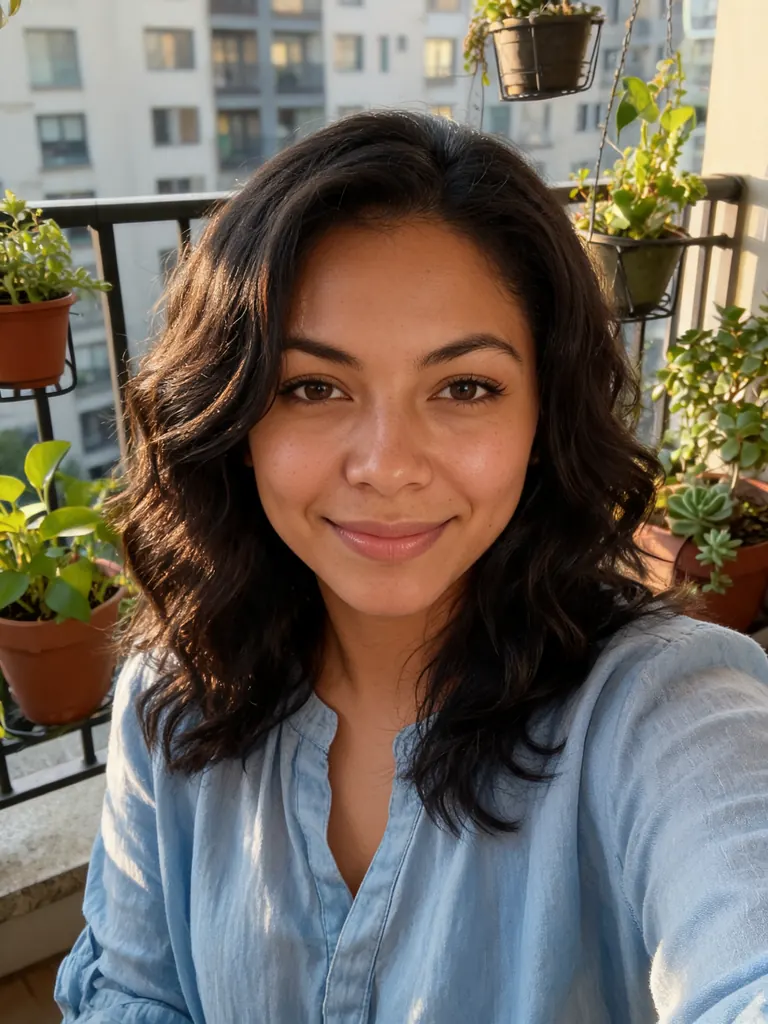
Original balcony selfie of a woman in a casual blouse in afternoon lightBefore
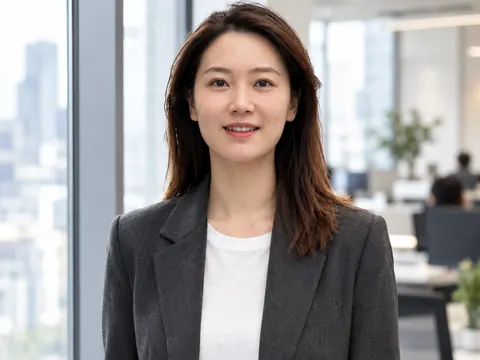
The same woman in a light blue blouse in front of a blurred office, as a square LinkedIn profile photoAfter
Example · Warm and approachable

Profile photos from the AI LinkedIn photo generator

Each result began as a picture from someone’s camera roll: a balcony selfie, a snap on the sofa, a plain phone photo. Tap “Use this prompt”, add your own picture and run it.

  • Original photo of a man in a gray hoodie sitting on a sofa at home
    Before
    The same man in a navy sweater and white collar in a bright office, framed for a LinkedIn profile
    After
    Bright office

    “Turn this into a LinkedIn profile photo: swap the hoodie for a navy crew-neck sweater over a white collared shirt, bright modern office blurred behind him, window light from the side, chest-up and centered. Keep his face, hair and skin tone the same, with real skin texture.”

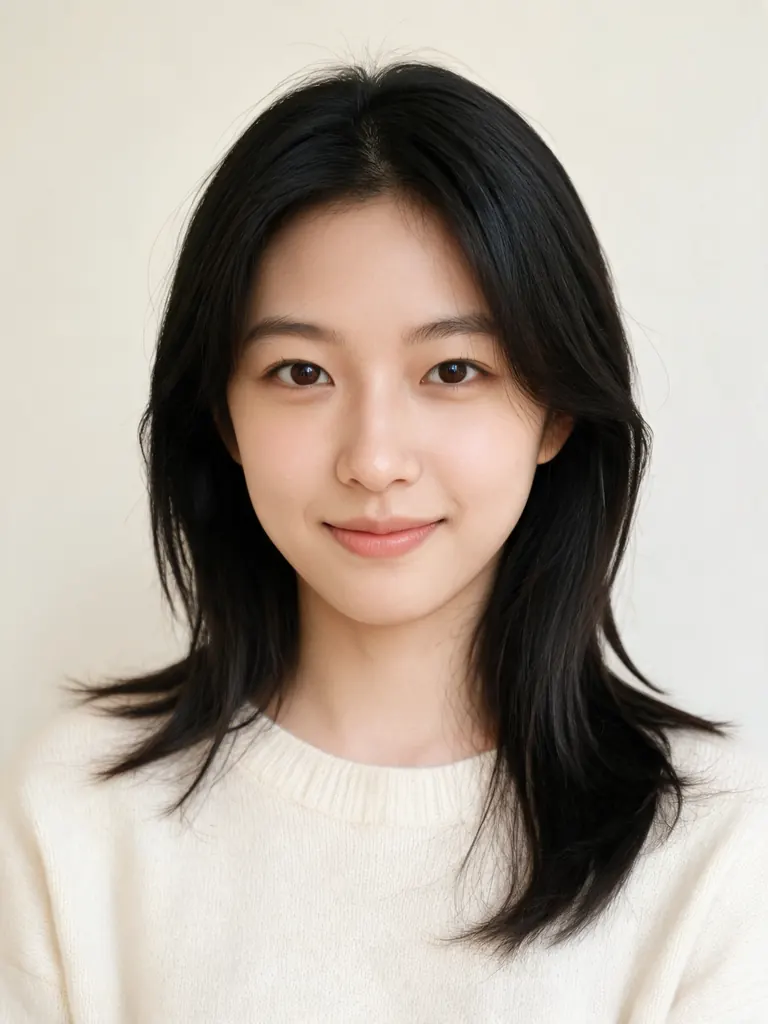
  • Original photo of a woman in a cream sweater against a plain light wall
    Before
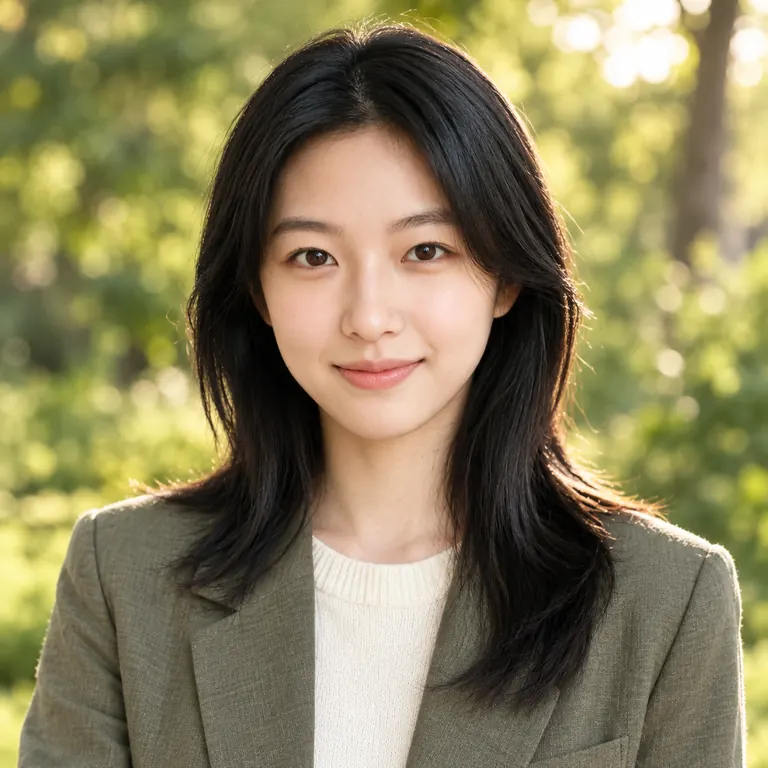
    The same woman in an olive blazer outdoors with blurred green trees, as a friendly profile photo
    After
    Outdoor daylight

    “Create a LinkedIn profile photo outdoors: soft green trees blurred behind her in late afternoon light, olive linen blazer over her cream sweater, relaxed smile, framed from the chest up. Keep her face, hair and skin tone exactly as they are, with natural skin texture.”

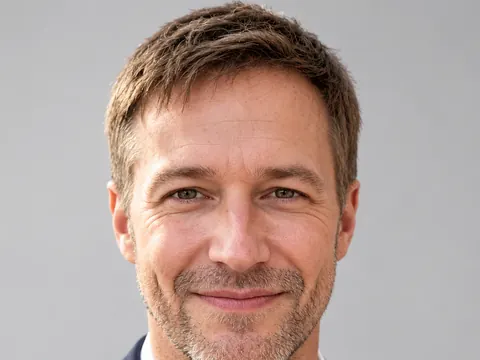
  • Original photo of a man in a casual shirt against a plain background
    Before
    The same man in a light gray shirt on a muted teal backdrop, centered for a round profile crop
    After
    Solid color

    “Give him a LinkedIn profile photo on a solid muted teal backdrop that stays clean inside a circle crop: light gray button-down shirt, soft even light, head and shoulders centered with room around his head. Do not change his face, hair or skin tone, and keep natural skin detail.”

What the AI LinkedIn photo generator gets right

On LinkedIn your photo is mostly seen as a small circle next to your name, in search results, comments and messages. It should look like you on a good day and read clearly at that size.

Framing for the circle

LinkedIn cuts a circle out of a square picture. The generator centers your head and shoulders and leaves room above your hair, so the round crop never slices off your chin or the top of your head.

  • Ask for “head and shoulders, centered”
  • Add “space above the head” for the round crop
  • Your face should fill about half the square

A friendly, confident look

People see your picture before they read your headline. A relaxed smile, eyes on the camera and warm light make you look open and easy to contact.

  • Upload a picture where you already smile
  • “Looking at the camera” keeps eye contact
  • Soft warm light reads friendlier than flash

Backgrounds for your field

A blurred office suits finance and consulting. Trees and daylight suit a designer, a coach or a teacher. A solid color keeps the circle clean and stands out in a busy feed.

  • Keep the background soft and out of focus
  • Pick one muted color for a solid backdrop
  • Leave out signs, logos and text behind you

How to get your photo from the AI LinkedIn photo generator

  1. 1

    Pick a recent picture

    Choose a photo from the last year or two where your face is sharp and well lit. A phone snap or a vacation photo works if your face is clear.

  2. 2

    Say how you want to come across

    Describe the background, the clothes and the mood, such as “friendly and relaxed” or “calm and confident”. Then add “keep my face, hair and skin tone the same”.

  3. 3

    Keep the square size

    The AI LinkedIn photo generator presets the size to 1:1. GPT Image 2.5 is selected by default; for the most faithful likeness, switch to Nano Banana 2 or Nano Banana Pro.

  4. 4

    Check it small, then upload

    Most photos are ready within a few minutes (free accounts wait at least 2 minutes on premium models). View each one as a small circle on your phone and keep the one that looks most like you.

Tips for a profile photo people trust

  1. 01

    Look like you do on a video call

    Anyone who meets you after seeing your profile should recognize you. Keep your current hairstyle, glasses and beard.

  2. 02

    Dress one step above your usual workday

    A sweater or an open-collar shirt suits most offices; a blazer suits law, finance and sales. Plain colors look cleaner in a small circle than stripes or checks.

  3. 03

    Keep the edit subtle

    Ask for “natural skin texture” and “believable daylight”. Heavy smoothing and dramatic lighting look staged next to the simple, real photos most people use.

  4. 04

    Use the same picture everywhere

    Put one photo on LinkedIn, your email account, your personal site and work chat. A consistent face makes you easier to find and to remember.

An AI LinkedIn photo generator for the photo you keep putting off

Plenty of people know their profile picture is out of date or cropped from a wedding photo, and still never book a shoot. An AI LinkedIn photo generator fixes that with a picture you already have. Upload it, describe the background and mood, and get back a square photo framed for the round crop.

The aim is a photo that looks like you, not a stranger in a suit. GPT Image 2.5, the default model here, follows detailed instructions about framing, clothes and light. Nano Banana 2 and Nano Banana Pro usually keep faces most faithfully, so use one of them when the likeness must be close. Make two or three versions and keep the one your coworkers would recognize.

For most people this is a free AI LinkedIn photo generator. New accounts get 8 credits, and 4 more arrive every day from the second day. A 1K image with GPT Image 2.5 costs 3 credits, which is plenty for a profile; pick 2K if you also want the photo for a conference badge or a printed bio.

AI Photo Generator Studio is not affiliated with LinkedIn, and no tool can promise that a photo meets another site’s rules, so check LinkedIn’s own guidance. Your uploads stay private, results appear only in My Images, downloads have no watermark, and photos made to pass as someone else are not allowed.

AI LinkedIn photo generator FAQ

Is the AI LinkedIn photo generator free?

Yes, for a few photos. New accounts get 8 free credits and 4 more every day from the second day. A 1K profile photo with GPT Image 2.5 costs 3 credits, so you can try several backgrounds without paying.

Is this an official LinkedIn tool?

No. We are not affiliated with LinkedIn and cannot sign off on photos for any site. The AI LinkedIn photo generator gives you a clean, square picture of yourself; check it against LinkedIn’s own profile photo guidance before you post it.

Will the photo still look like me?

Usually, when you start from a sharp picture and ask to keep your face, hair and skin tone. For the most faithful likeness choose Nano Banana 2 or Nano Banana Pro and run the prompt more than once. No model matches a face perfectly every time.

How is this different from the headshot page?

The AI headshot generator makes formal studio portraits on a plain backdrop. This page is tuned for LinkedIn: a square frame that crops cleanly into a circle, a friendlier look and backgrounds such as a soft office, daylight outdoors or a solid color.

Can I start from a group photo?

Yes, if your face is clear and in focus. Say which person you are, for example “the woman on the left in the blue top”, and ask for a photo of only that person. Very small or blurry faces give soft results.

What is not allowed?

Sexual content, anything involving minors, and profile photos of someone else made to impersonate or deceive are blocked. The full rules are on the content policy page.

Try the AI LinkedIn photo generator

Upload one photo, describe the look you want and get a square profile photo in a few minutes.

Start creating