
Nano Banana Logo: Prompts, Edits, and Vector Finishing
Create a Nano Banana logo with exact prompts and three real Cedar Kiln outputs. Compare edits, check lettering, and finish your concept as vector artwork.
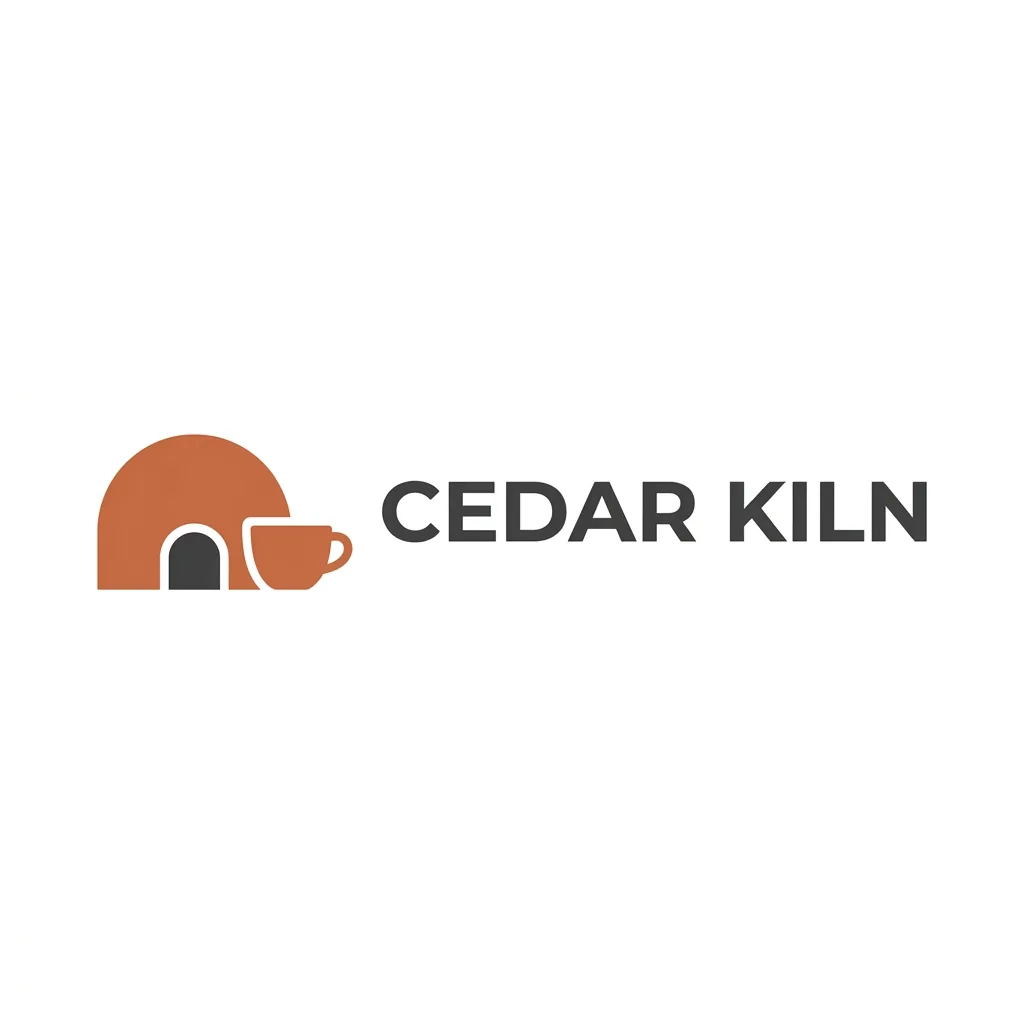
To create a Nano Banana logo, give Nano Banana 2 your business name, a simple icon idea, colors, and layout in AI Photo Generator. Generate a concept on white, then upload it to request a simpler icon or a one-color version. The Cedar Kiln example below shows both edits with exact prompts. These outputs are raster images; finish the chosen design in a vector editor for a logo that scales cleanly.
Last updated: October 9, 2026 · 5 min read
Looking for the Nano Banana brand logo itself? This tutorial covers creating a logo for your own business, rather than downloading that brand's assets.
1. What belongs in a Nano Banana logo prompt?
Start with a short design brief. “A professional logo” leaves the symbol, wording, colors, and arrangement undecided. A pottery studio called Cedar Kiln, with a cup and kiln in terracotta and charcoal, gives you specific details to judge.
Cedar Kiln is a fictional studio. Its brief calls for an icon on the left and the name on the right. Replace these choices with details from your business:
- Exact wording: Include the business name with the capitalization you want.
- One icon idea: Choose an object or a simple combination related to the business.
- A limited palette: Name two colors, such as terracotta for the symbol and charcoal for the lettering.
- A clear layout: Specify where the icon and name belong.
- A plain presentation: Ask for a flat mark on white, without gradients or extra text.
Save stationery mockups, embossed paper, and shop signs for later. First, you need a clear view of the logo's edges, lettering, and spacing.
2. How do you generate and edit the Cedar Kiln logo?
Use these settings for all three requests:
- Choose Nano Banana 2 under Model, 1K under Quality, and 1:1 under Size.
- For the original, leave the reference area empty and paste the logo prompt below.
- Download the original. Upload it as the only reference for the simplification request.
- For the black version, attach the original again. Remove the simplified version if it is still attached.
Nano Banana 2 requires sign-in and credits. The live pricing page, checked October 9, 2026, lists 4 credits for a 1K image. Each refinement is a new generation; check the cost beside Generate before submitting it.
Original logo prompt:
Create a flat original logo concept for Cedar Kiln pottery studio. Use a simple cup-and-kiln icon beside the exact words 'CEDAR KILN', terracotta and charcoal, white background, generous spacing, no gradients and no extra text.
Simplification instruction, with the original attached:
Simplify the icon to three solid shapes; preserve the wording and palette. Use one terracotta kiln arch, one charcoal doorway, and one separate solid terracotta cup silhouette without a handle. Remove the outlined cup and leave white space between the kiln and cup.
One-color instruction, with the original attached again:
Convert the logo to black on white; preserve the icon and wording.
| Original: reference for both edits | Simplified icon | Black-on-white version |
|---|---|---|
| Cedar Kiln logo with a terracotta kiln and handled cup beside charcoal uppercase lettering on white | 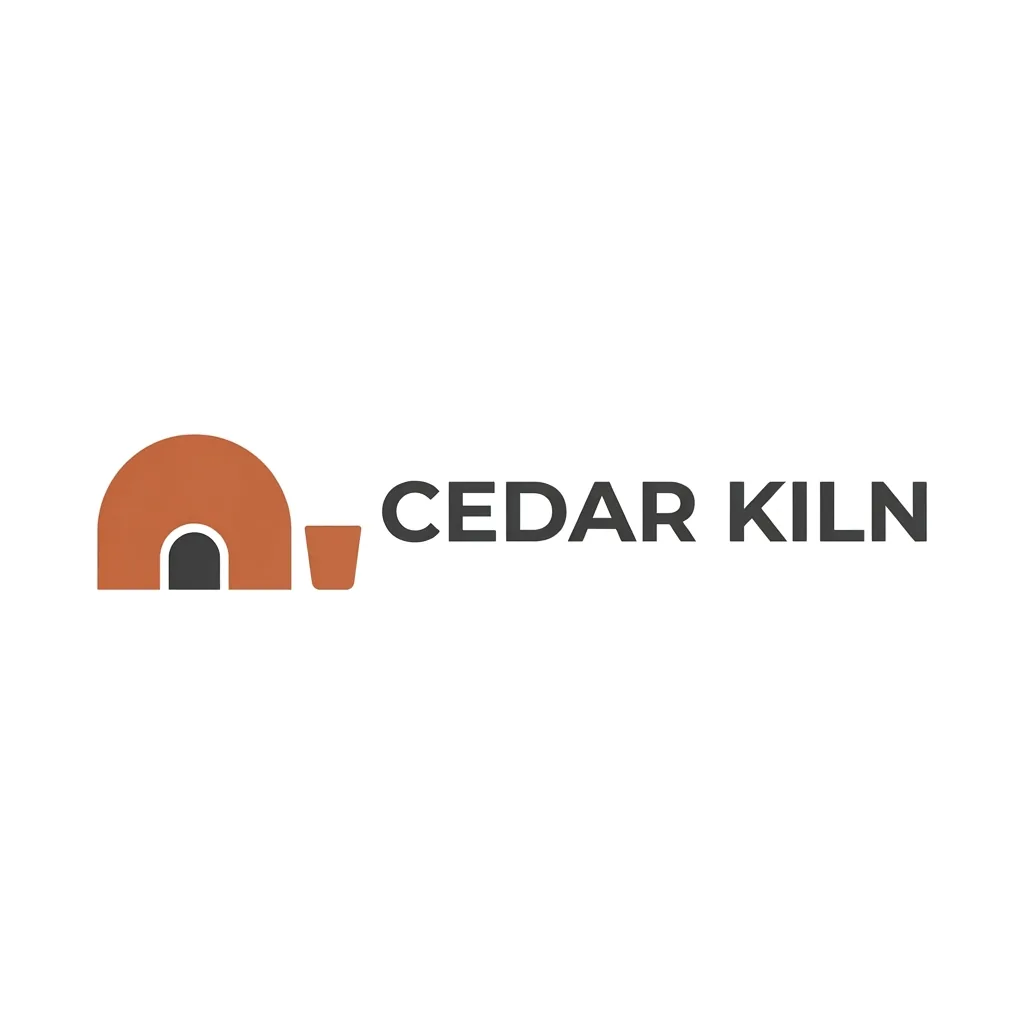 | 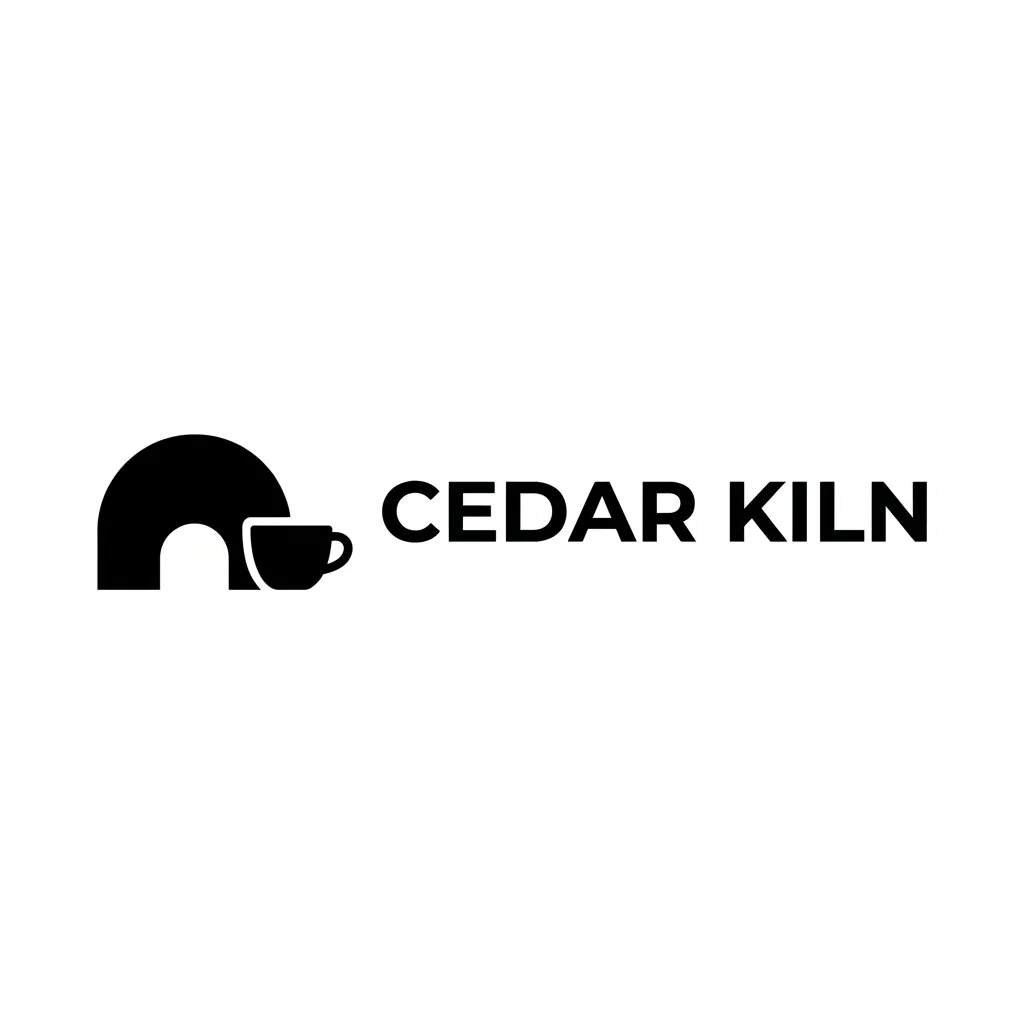 |
All three outputs: Nano Banana 2, 1K, 1:1, 1024 × 1024 pixels. The original used text only. Each edit used the original as its only reference.
For reference uploads, use the image-to-image tool and select Nano Banana 2. Tool pages pre-fill the prompt box; replace that text with your instruction, which goes to the model as typed. Using the same original for both edits lets you compare each change without carrying changes from one revision into the next.
3. Which Cedar Kiln version would you keep?
All three outputs spell CEDAR KILN correctly. The original pairs broad charcoal lettering with a rounded kiln and a handled cup. The white border around the cup separates it from the kiln where the shapes overlap.
The simplified version keeps the wording and palette, removes the handle, and separates the cup from the kiln. It also makes the kiln taller relative to the lettering, changing the balance of the design. The black version keeps the handled cup but turns the charcoal doorway into a white opening, so it changes an interior detail as well as the color.
For this brief, I'd keep the original as the starting concept: the handled cup makes the pottery connection clearer to me, and the kiln draws less attention away from the name. Use the simplified version if you prefer a separate cup silhouette, but decide whether you also want its larger kiln.
If a business name comes back misspelled, name the incorrect and correct strings in your next instruction. The AI photo text-editor guide shows how to request replacement lettering. Set the final type manually when you need a particular font or exact spacing.
4. Will this horizontal logo fit a header or avatar?
The Cedar Kiln outputs use a square canvas, but the logo itself is a wide horizontal strip with large white margins. Judge the artwork at the size and shape you intend to use:
- Check spelling. Compare every letter with the business name in your prompt.
- Check balance. Compare the icon's height with the lettering, especially after simplification.
- Preview the intended size. Crop a copy around the artwork and reduce it to your website header size. Check the cup handle, doorway, and spaces inside letters.
- Try a one-color version. Look for openings that fill in or change shape when colors merge.
These examples show the full-size outputs. They do not establish a minimum readable size. For a small profile circle, request an icon-only arrangement and preview it in the circle before choosing it.
Once you have chosen a logo concept, you can use it as a reference in the AI poster generator for a studio event. Identify the uploaded logo and spell out the event headline separately. Read both before using the poster.
5. How do you turn the concept into a vector logo?
“Flat” and “vector style” describe an appearance. The images shown here contain pixels. Adobe's raster and vector explanation distinguishes fixed-resolution raster images from vector shapes that scale without losing sharpness.
Rebuild your chosen concept in a vector editor. For Cedar Kiln, that means drawing the kiln arch, doorway, and cup as separate shapes, then setting CEDAR KILN with a chosen font. Adjust the gap between the symbol and name while viewing the whole mark at its intended size.
Keep the icon and lettering separately editable so you can make horizontal, stacked, and icon-only versions. Export a vector master and raster copies sized for each use. Renaming an image to SVG does not turn its pixels into editable paths.
Frequently asked questions
What makes a good Nano Banana logo prompt?
Include the exact business name, one icon idea, two colors, and the layout. Ask for a flat mark on a plain background so you can inspect the symbol and lettering clearly.
Can I edit my existing logo with Nano Banana 2?
Yes. Upload it as a reference and describe the change while naming what should stay. Compare the result with your original: even a one-color request can alter interior shapes. Use a vector editor for precise final geometry and typography.